Creative technology
Production systems, Jacksonville Jaguars
Game week digital assets
The system that versions the whole game-week package of assets for our digital platforms (website/app).
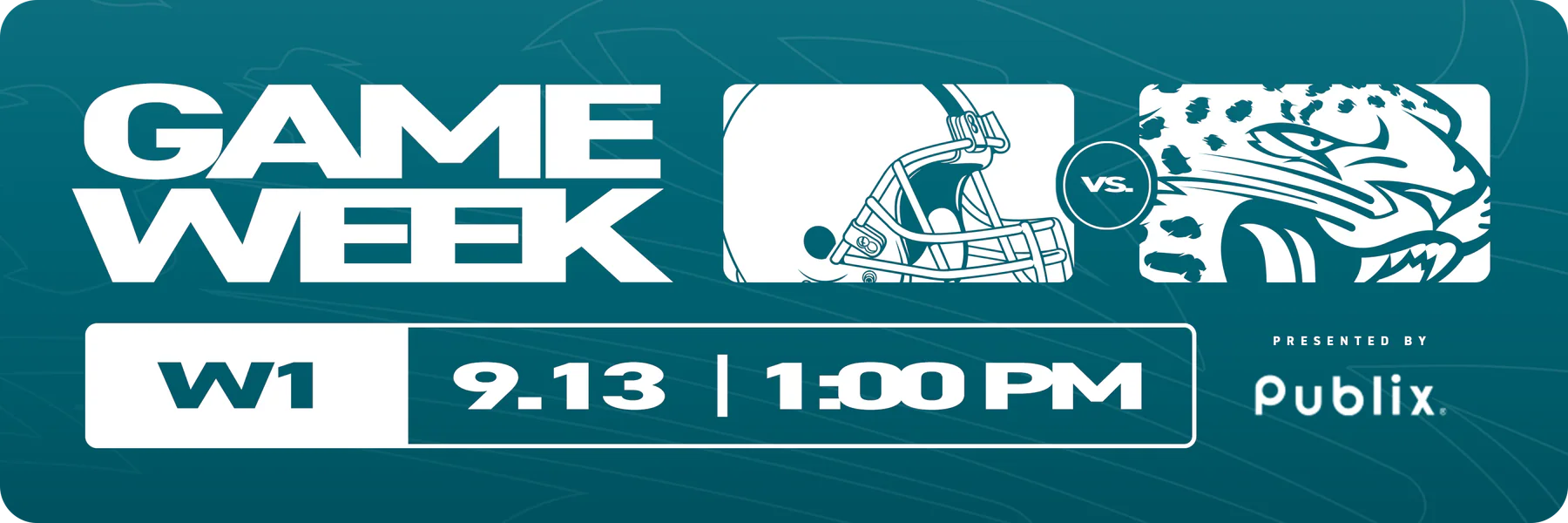
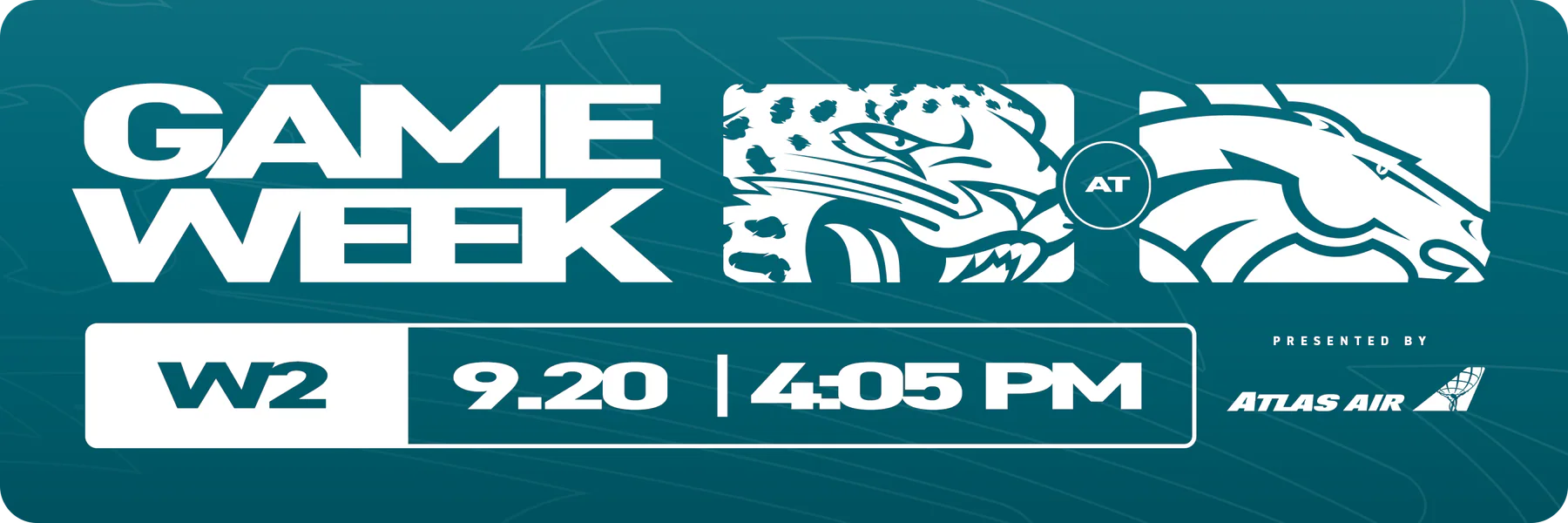
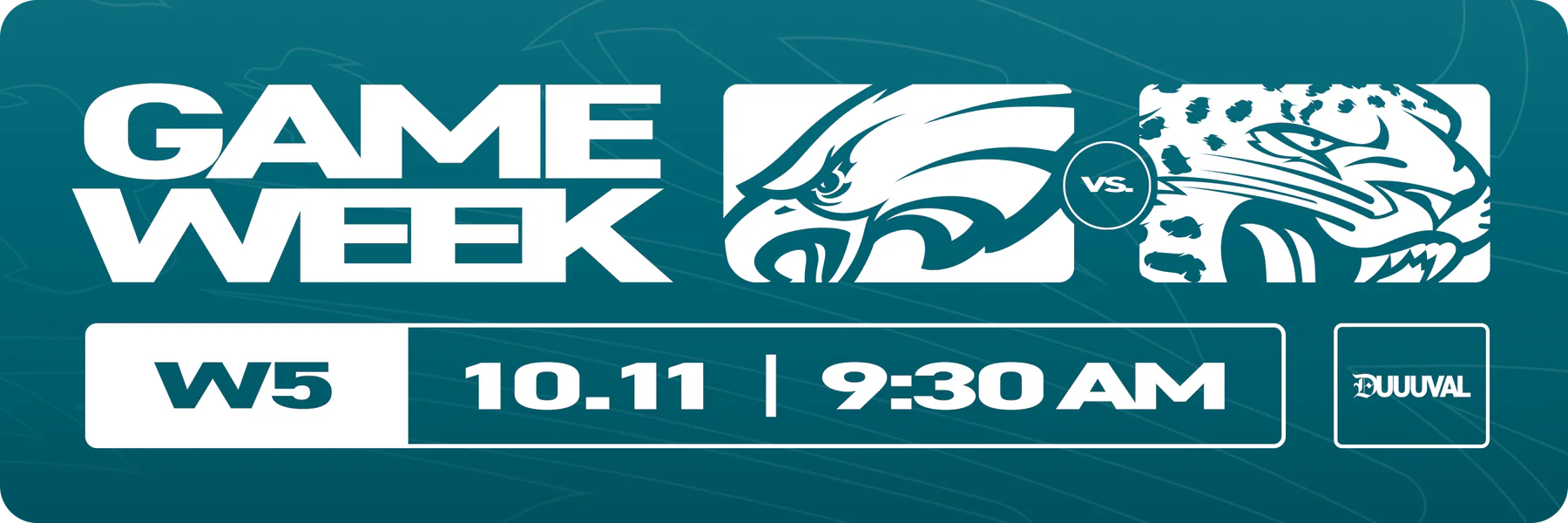
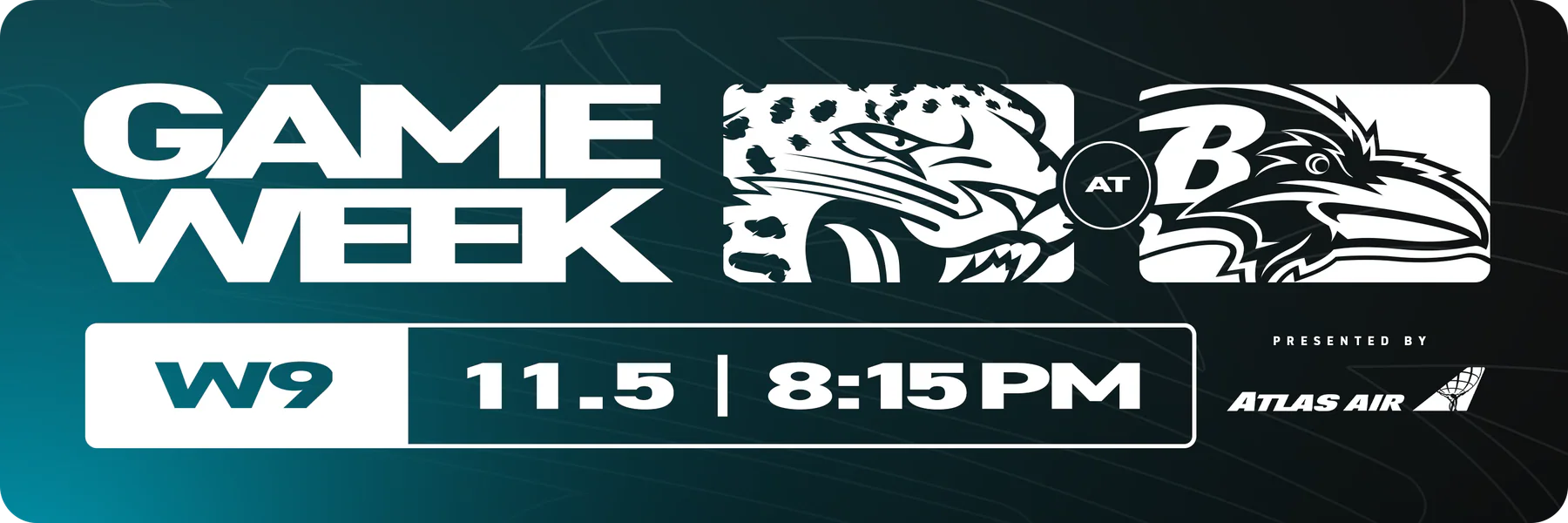
// Which game-record fields a template needs for this game.
function resolveDataRequirements(template, game) {
  var MODULE_FIELD = {
    WEEK: "week",
    DATE: "dateDisplayUS",
    TIME: "kickoffLocal",
    LOCATION: "stadium",
    BROADCAST: "broadcast"
  };
  var required = [], missing = [];
  var mods = template.modules || [];
13 more linesFewer lines
  for (var i = 0; i < mods.length; i++) {
    var m = mods[i];
    // Marks, VS. / AT and the partner resolve separately.
    if (m === "MATCHUP" || m === "SPONSOR" || m === "SITE_VS_AT") continue;
    var field = MODULE_FIELD[m];
    if (!field) continue;
    required.push({ module: m, field: field });
    if (fieldAbsenceKind(game, field) === "BLOCKING") {
      missing.push({ module: m, field: field });
    }
  }
  return { required: required, missing: missing };
}
Excerpt from the working source. Shortened; paths and private values removed.
Week 1 · Browns at Jaguars
9 of the 24 Week 1 assets.
Technical details
A Photoshop-based production system for recurring Game Week creative. Masters are versioned from schedule and matchup data: opponent, home or away, logos, date, time and location. The creative stays editable.
How a run works
- Master. A read-only template for each asset type.
- Game data. Opponent, site, week, date, kickoff, venue, partner.
- Build. A copy of the master is populated inside that week's folder.
- Validate. Site state, date formats, stale copy and master integrity are checked.
- Export. Every required size, plus a manual queue for designer-led pieces.
Automated
- Opponent mark, team order and the VS. or AT indicator
- Week label, date and kickoff, in US and UK formats
- Stadium lockup for home games, presenting partner by site
- Exports at every size a template requires
- Checks for leftover copy from a previous week
Designer-controlled
- The masters. Builds only ever open copies
- Player art, routed to a manual queue by design
- Special-edition creative such as Throwback and Rivalries
Built with
Photoshop (ExtendScript + UXP), JavaScript, Game and template registries, Protected creative masters, Automated validation
Verified
- Home games put the opponent first with VS. Away games put the Jaguars first with AT.
- Masters are read-only and compared before and after each build.
- UK versions use UK date and time formats and carry no presenting partner.
- Player art and some partner placement are intentionally left to the designer.
- The comparison overlay is calculated from the exports themselves. It is not drawn by hand.
Jaguars App splash screens
The same game data versions the animation that opens the Jaguars App on game week: one Lottie file per game.
{
  "gameId": "PW2",
  "side": "HOME",
  "opponent": "Carolina Panthers",
  "relation": "VS",
  "visitingLeft": "Carolina Panthers",
  "homeRight": "Jacksonville Jaguars",
  "visitorAbbreviation": "CAR",
  "homeAbbreviation": "JAX",
  "sponsorMode": "HOME",
  "homeSponsorGroup": "PW2_SPONSOR_GROUP"
}
One game record from the season manifest, as written.
SAFE_Y0, SAFE_Y1 = 2588, 2688
HOLD_FROM = 56

for f in frames:
    a = np.array(Image.open(f))
    alpha = a[..., 3]
    if alpha.max() > 0:
        r["nonempty_frames"] += 1
    band = alpha[SAFE_Y0:SAFE_Y1, :]
    if band.max() != 0:
        r["safe_area_violations"].append((n, int(band.max())))
    if n >= HOLD_FROM:
        if hold_first is None:
            hold_first = a
8 more linesFewer lines
        elif not np.array_equal(a, hold_first):
            hold_identical = False

r["result"] = "PASS" if (r["frame_count"] == 96
    and r["single_canvas_size"]
    and r["safe_area_max_alpha"] == 0
    and hold_identical
    and r["nonempty_frames"] >= 90) else "FAIL"
Run on the rendered pixels of the exact file delivered. Excerpt from the working source. Shortened; paths and private values removed.
Technical details
A versioning system for the Jaguars App splash-screen animation. Structured game data drives each matchup version, and the workflow automates production and export into the formats the app requires.
How a run works
- Source art. Team marks and backgrounds exported from Photoshop.
- Game data. Opponent, home or away, week, presenting partner.
- Build. The locked motion is applied and a self-contained Lottie is written.
- Render. A local render produces reference GIF and MP4 files.
- Validate. Frame count, canvas size, safe areas and the final hold are checked.
- Deliver. Lottie, phone and tablet backgrounds, references, handoff note.
Automated
- Building each matchup version from game data
- A transparent, self-contained Lottie file per game
- Phone and tablet backgrounds, reference renders and a handoff note
- Frame-by-frame validation before delivery
Designer-controlled
- The animation and its timing
- Photoshop source artwork for marks and backgrounds
- Special editions and their art direction
Built with
JavaScript, Lottie / JSON, Structured game data, Automated versioning and export, Photoshop source assets, Local rendering, Frame validation
Verified
- Every delivery is one Lottie at 1242 × 2688, 30 frames per second, 96 frames, with static phone and tablet backgrounds.
- Validation checks frame count, canvas size, safe-area violations, empty frames and that the animation holds still from frame 56.
- The motion configuration is locked by hash. A build that does not match the lock does not run.
- The splash carries the matchup, week and presenting partner. It does not show date, time or location.
- The page plays the delivered Lottie files byte for byte.
- Only games that have been played are shown here.
Creative suite versioning
The system that versions one creative into a full campaign suite, composing every placement for its format, in English and Spanish.
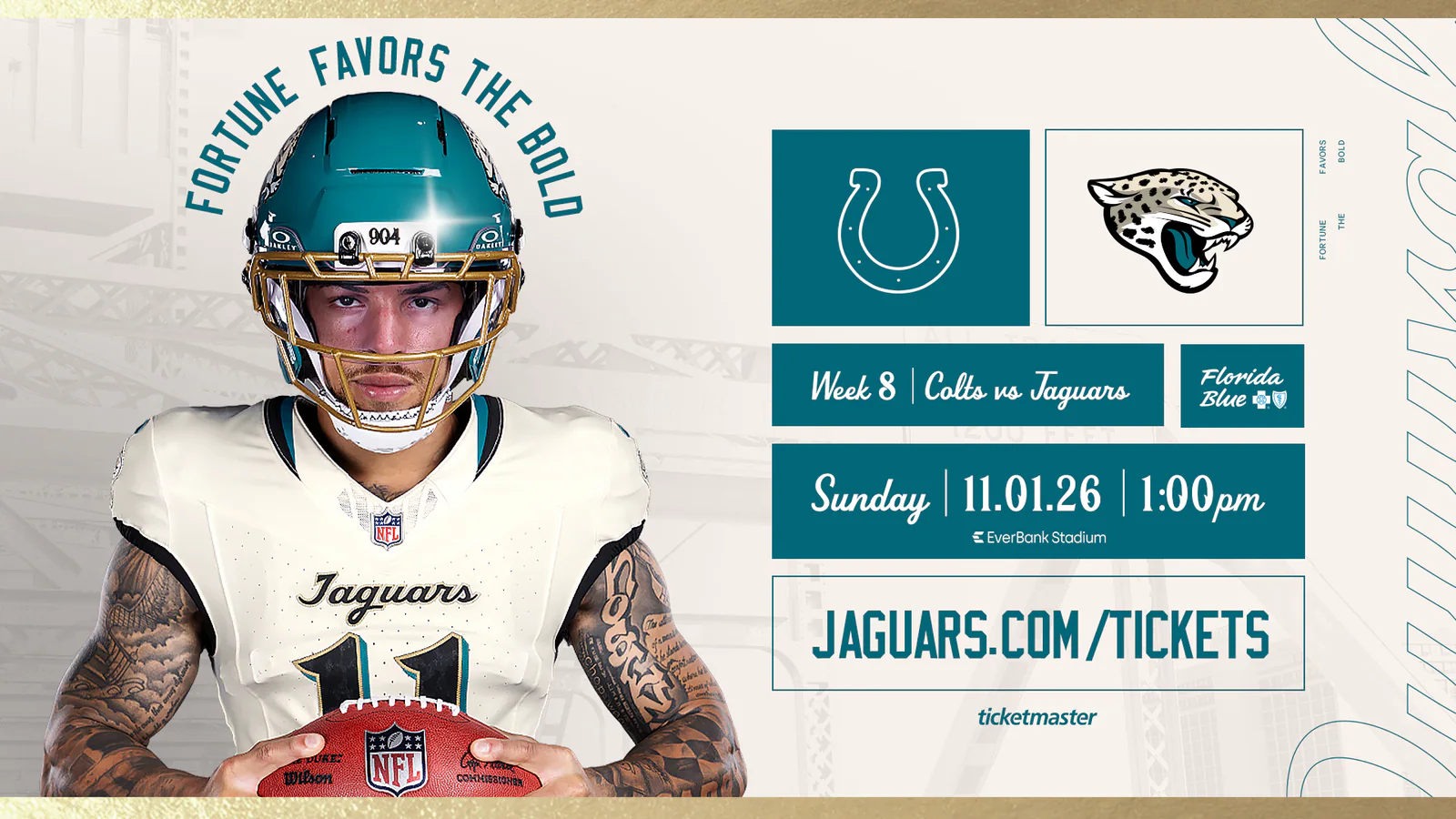
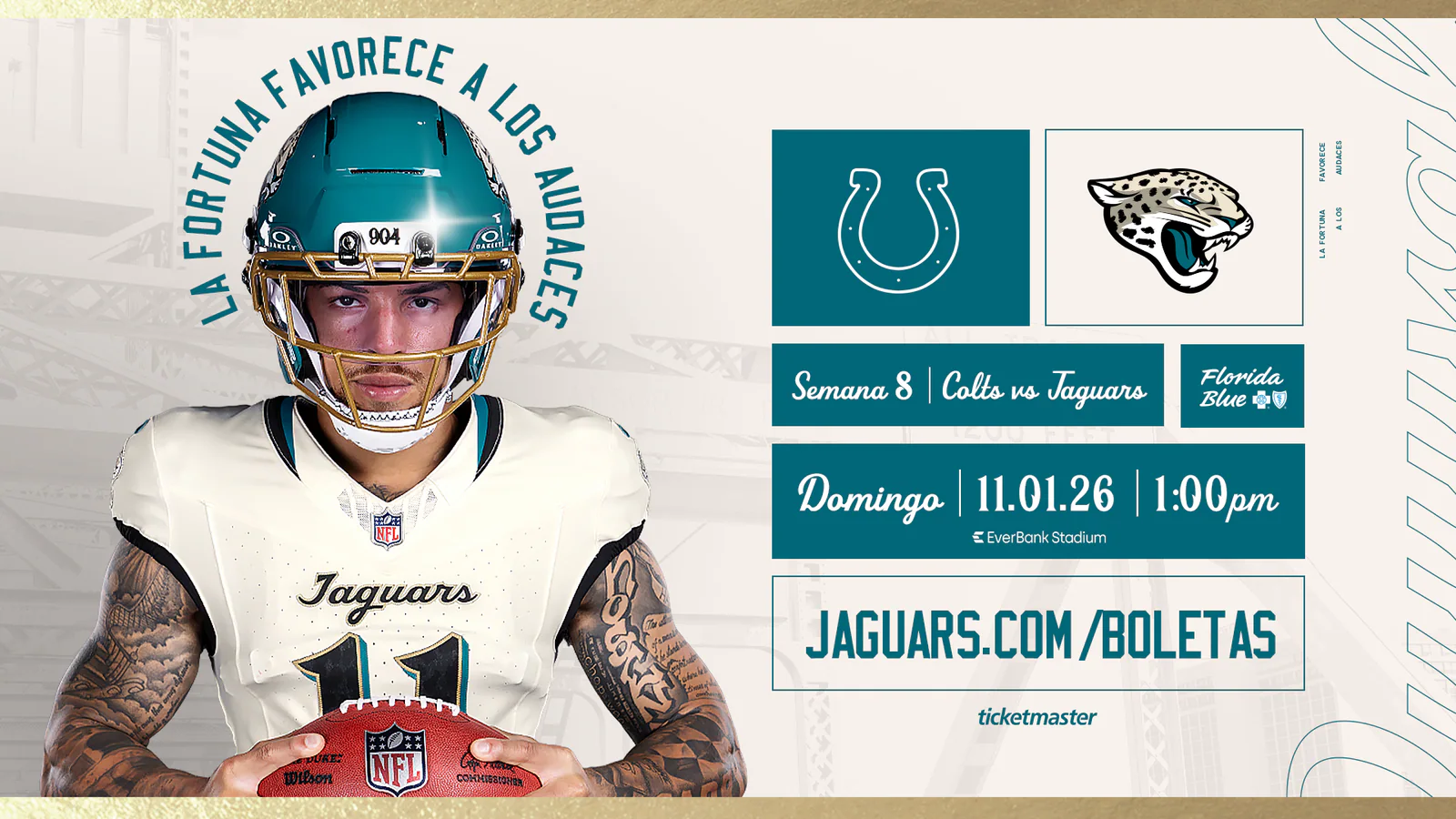
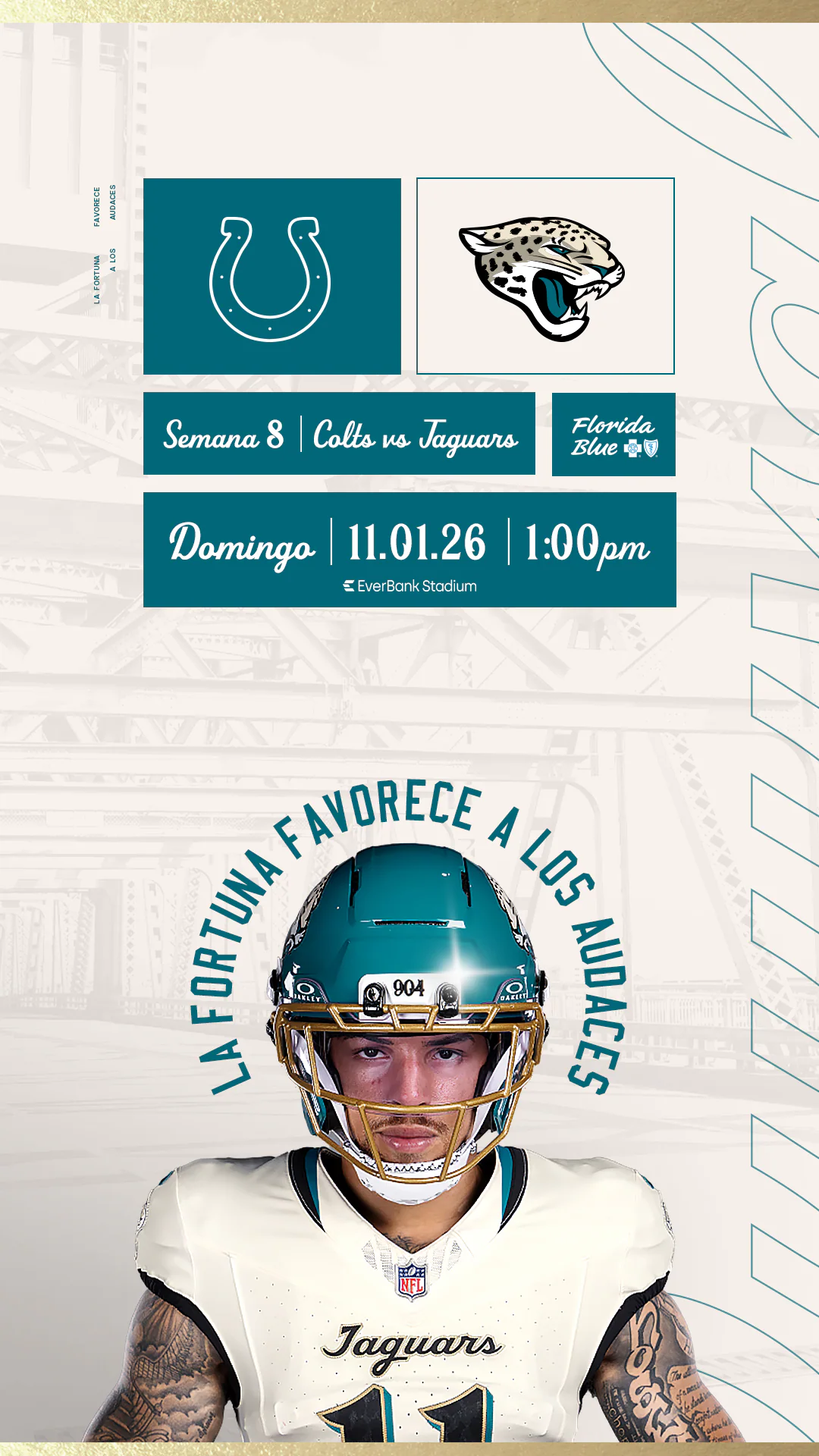
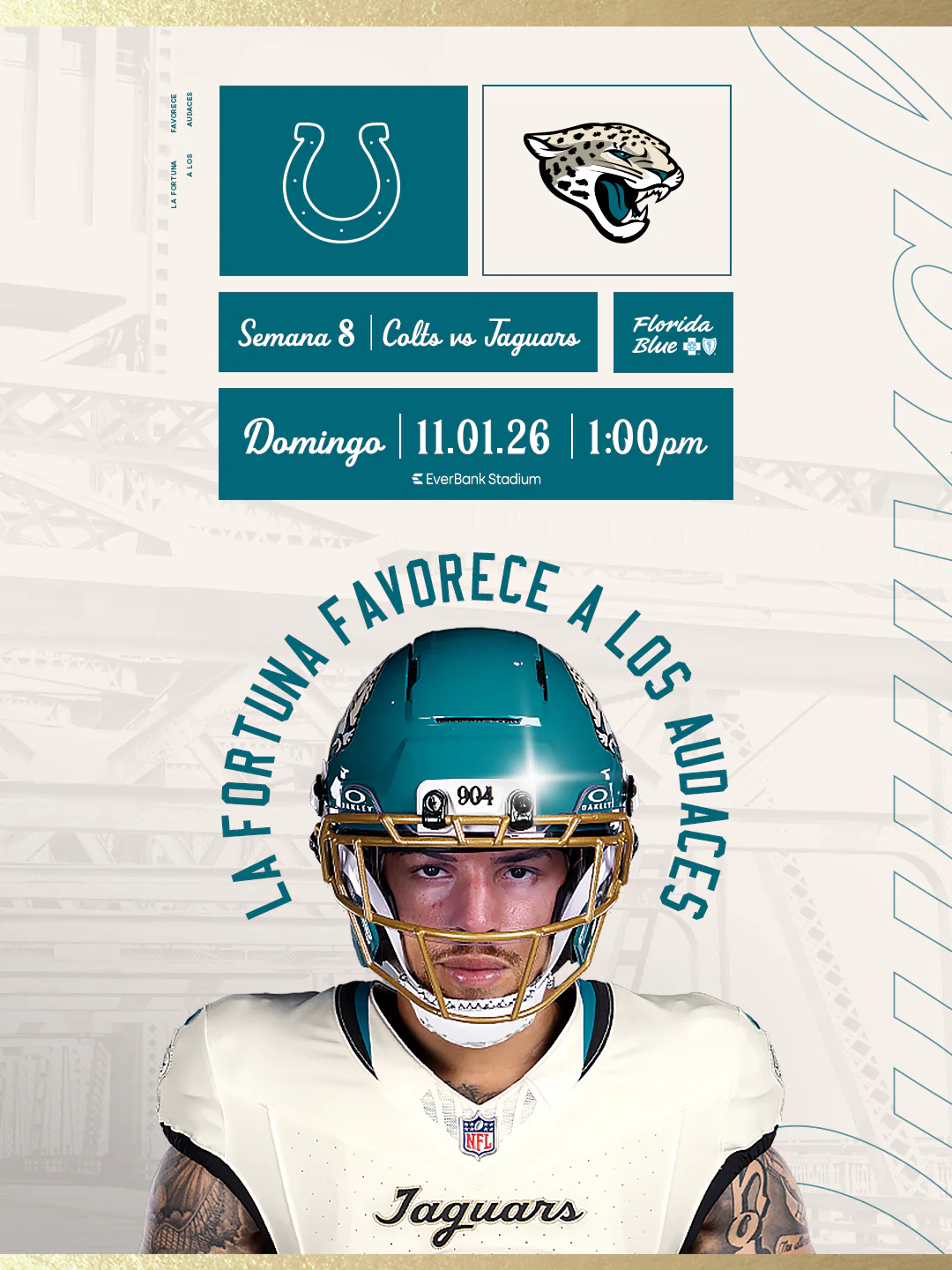
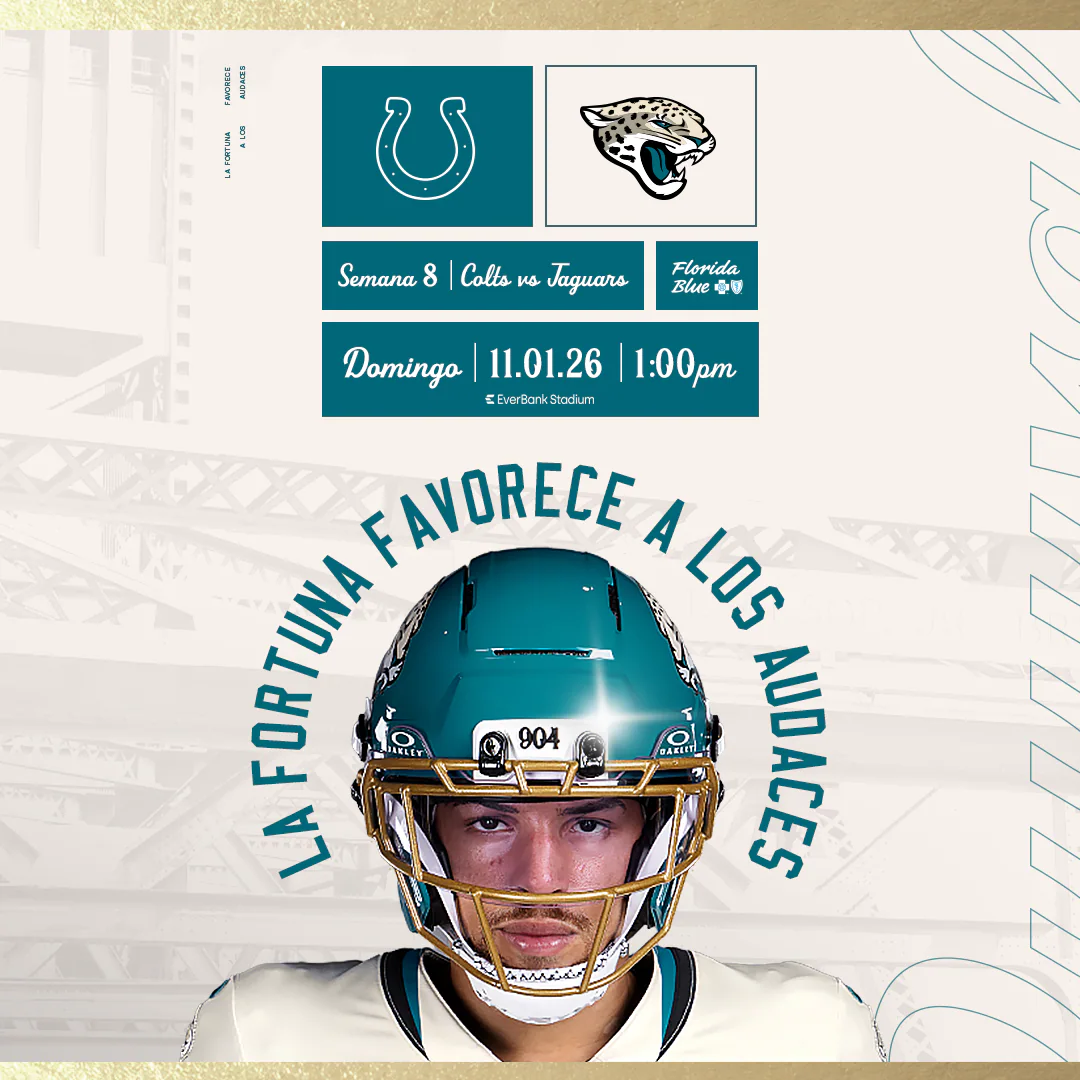
10 of the 53 files delivered for Week 8, across 25 sizes.
In Spanish
One version is translated, then the same changes carry through every Spanish size.

INFO_BLOCK: { allowedOperations: ['MOVE', 'SCALE', 'SHOW', 'HIDE', 'PRESERVE'],
  movesWithParent: false, required: true,
  note: 'Rigid unit. Move the block, never its parts.' },
MATCHUP_MARKS: { allowedOperations: ['PRESERVE', 'SHOW', 'HIDE'], required: true },
DATE_TIME: { allowedOperations: ['PRESERVE', 'SHOW', 'HIDE'], required: true },
VENUE_LOCKUP: { allowedOperations: ['PRESERVE', 'SHOW', 'HIDE'], required: false },

// Presence is an editorial decision, never a property of the dimensions:
// 1080x1920 occurs as both PORTRAIT_SOCIAL and PORTRAIT_TICKETING.
export const EXPLICIT_INCLUSION_ROLES = Object.freeze([
  'PLAYER_IMAGERY', 'CTA_TICKETING', 'HEADLINE_EDGE_LOCKUP', 'BRAND_MARK',
]);
5 more linesFewer lines
export const INCLUSION_DECISIONS = Object.freeze([
  'SHOW',   // visible in this target
  'HIDE',   // in the source, deliberately switched off here
  'ABSENT', // not in the source composition at all
]);
Excerpt from the working source. Shortened; paths and private values removed.
Technical details
Production workflows for single-game ticketing suites across many placements and aspect ratios. One creative becomes a coordinated package: game information, player imagery, typography and layout are adapted for each format, not scaled.
How a run works
- Original creative. Designer-supplied 16:9 and 9:16 compositions in one file.
- Plan. A per-target plan for every placement and size.
- Build. Scripted Photoshop composes each artboard from its plan.
- Localize. Spanish versions of the placements that need them.
- Certify. Structure, content matrix, visual review, source-file hashes.
- Export. Flattened deliverables and layered sources, by placement family.
Automated
- Building each placement from a per-target plan
- English and Spanish versions
- Rendering and export, including file-size limits
- Structural and content checks on every target
- QA boards for designer review
Designer-controlled
- The original creative, in 16:9 and 9:16
- Review and direction of every correction
- Hand finishing where a format needs it
Built with
Photoshop, JavaScript / scripting, Structured creative data, Suite versioning, AI-assisted production workflows, Automated export and validation
Verified
- The counts on this page are read from the final shipping package, not estimated.
- The suite shown is Week 8, Colts at Jaguars, played on 1 November 2026.
- Source files are hashed before and after each run to prove nothing upstream was altered.
- The player cutout is placed at the same pixel size in both source compositions. Formats move it. They do not rescale it.
- League placements are exported as JPGs under a 50 KB limit.
- Spanish versions translate the headline, the week and day, and the ticket link.
- AI-assisted here means the scripts were written and run with an AI coding assistant. No imagery is generated.
Rivalries color
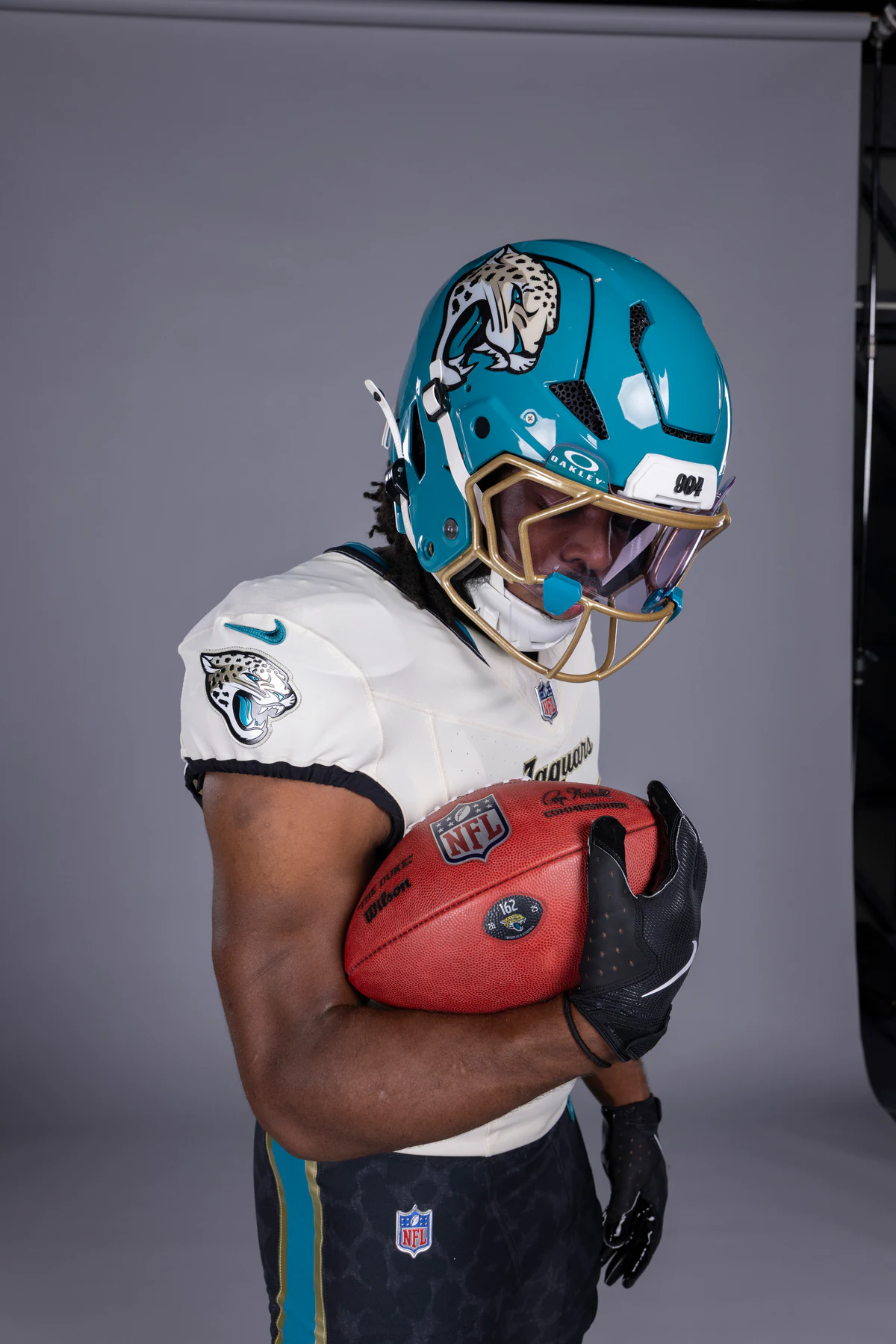
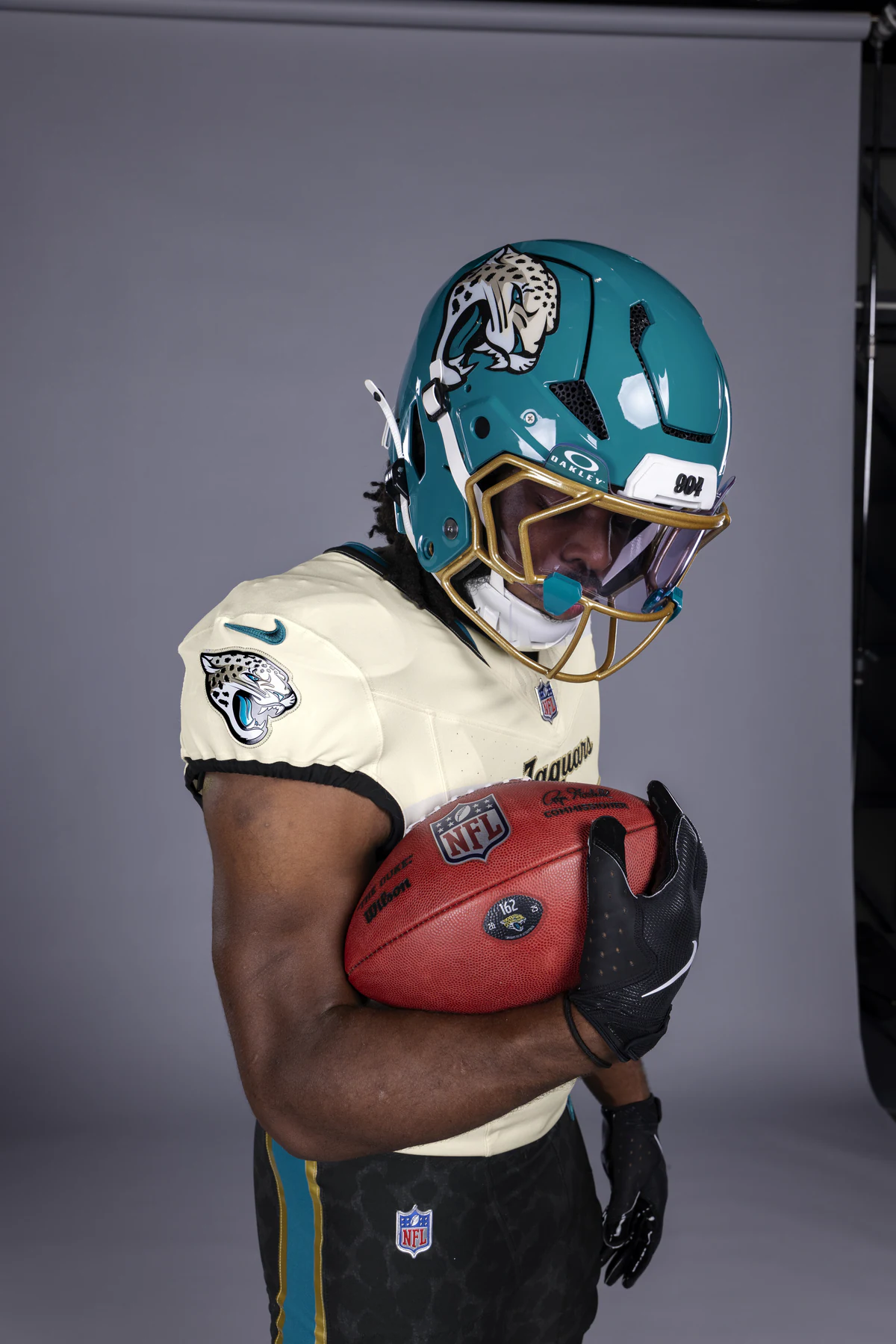
The Photoshop color workflow that matches Rivalries uniform photography to one reference look, material by material, with every correction kept editable.
// The reference values, rebuilt over a locked original
const MATERIALS = ["jersey", "pants", "teal", "gold",
  "facemask", "script", "patch"];

function correct(doc, reference) {
  lockLayer(doc, "ORIGINAL");
  for (const name of MATERIALS) {
    const group = addGroup(doc, name.toUpperCase());
    group.mask = maskFor(doc, name); // selection + color keys
    for (const step of reference[name]) {
      addAdjustment(group, step.type, step.values);
    }
  }
  addGroup(doc, "TUNING"); // per photograph, by the designer
  return measure(doc, reference.swatches);
}
Written for this page. The order of operations follows the working file.
Technical details
A Photoshop color workflow for photography of the 2026 Rivalries uniform. The reference look is rebuilt as masked, editable adjustment layers, one group for each material, with a small tuning layer for each photograph.
How a run works
- Reference. A reference photograph with a swatch for each material.
- Masks. One mask per material, from subject selection, color keys and per-image regions.
- Build. The reference values are rebuilt as adjustment layers over the locked original.
- Tune. A small tuning layer brings this photograph's jersey and teal to the reference.
- Check. Original, corrected and reference side by side, with full-size detail crops.
- Approve. The designer signs off each image.
Automated
- Rebuilding the reference adjustment values as layers over the photograph
- A mask for each material, from subject selection and color keys
- Measuring the result against the reference
- A QA sheet with full-size detail crops
Designer-controlled
- The reference look
- The tuning layers for each photograph
- Every correction, which stays an adjustment layer
- Approval of each image
Built with
Photoshop, Scripted Photoshop automation, Region masks, Editable adjustment layers, Lab color measurement
Verified
- Every correction is a masked adjustment layer. The original photograph stays locked underneath.
- A helmeted photograph carries eight adjustment groups: overall tone, pants, jersey and socks, teal, facemask, gold stripe, chest script and shoulder patch.
- The reference values are shared. Each photograph adds its own tuning layers for the jersey and the teal.
- The region outlines on this page are the working file's own layer masks, exported small. They were not drawn for the page.
- The comparison shows each photograph as shot and as exported. The page does not run the correction.
- Each image is calibrated and checked by a designer. The workflow does not run unattended.
Injury report
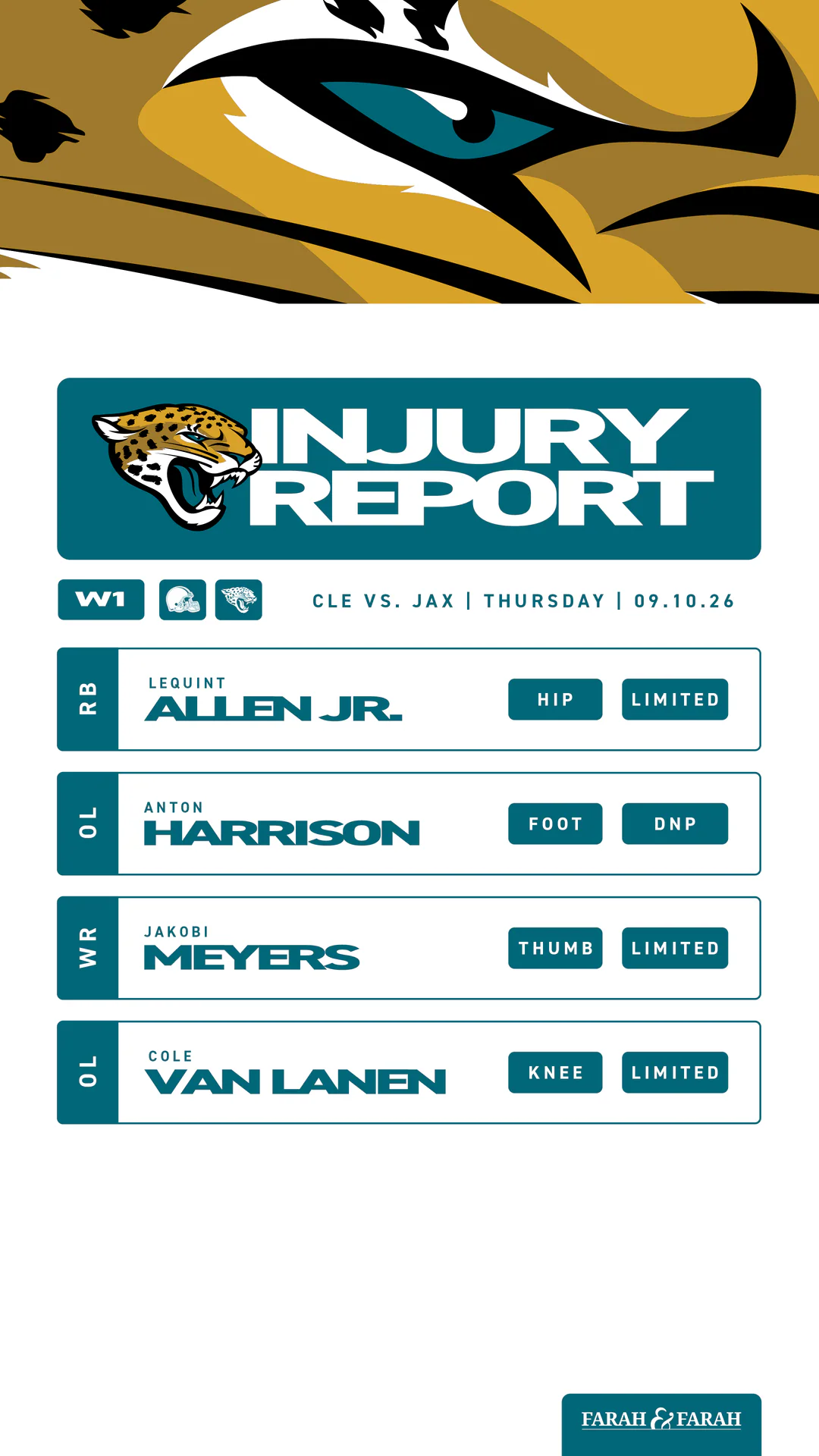
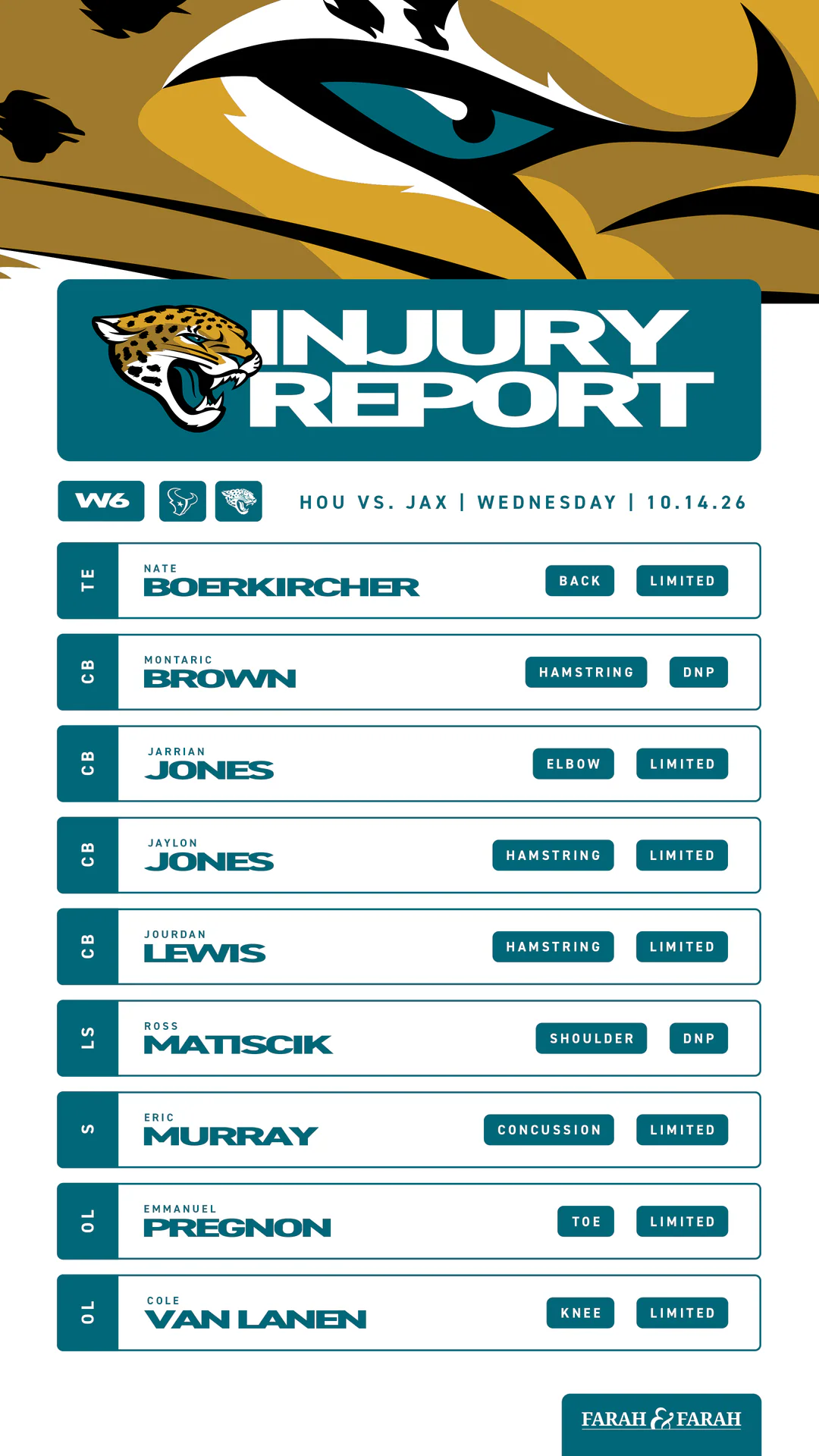
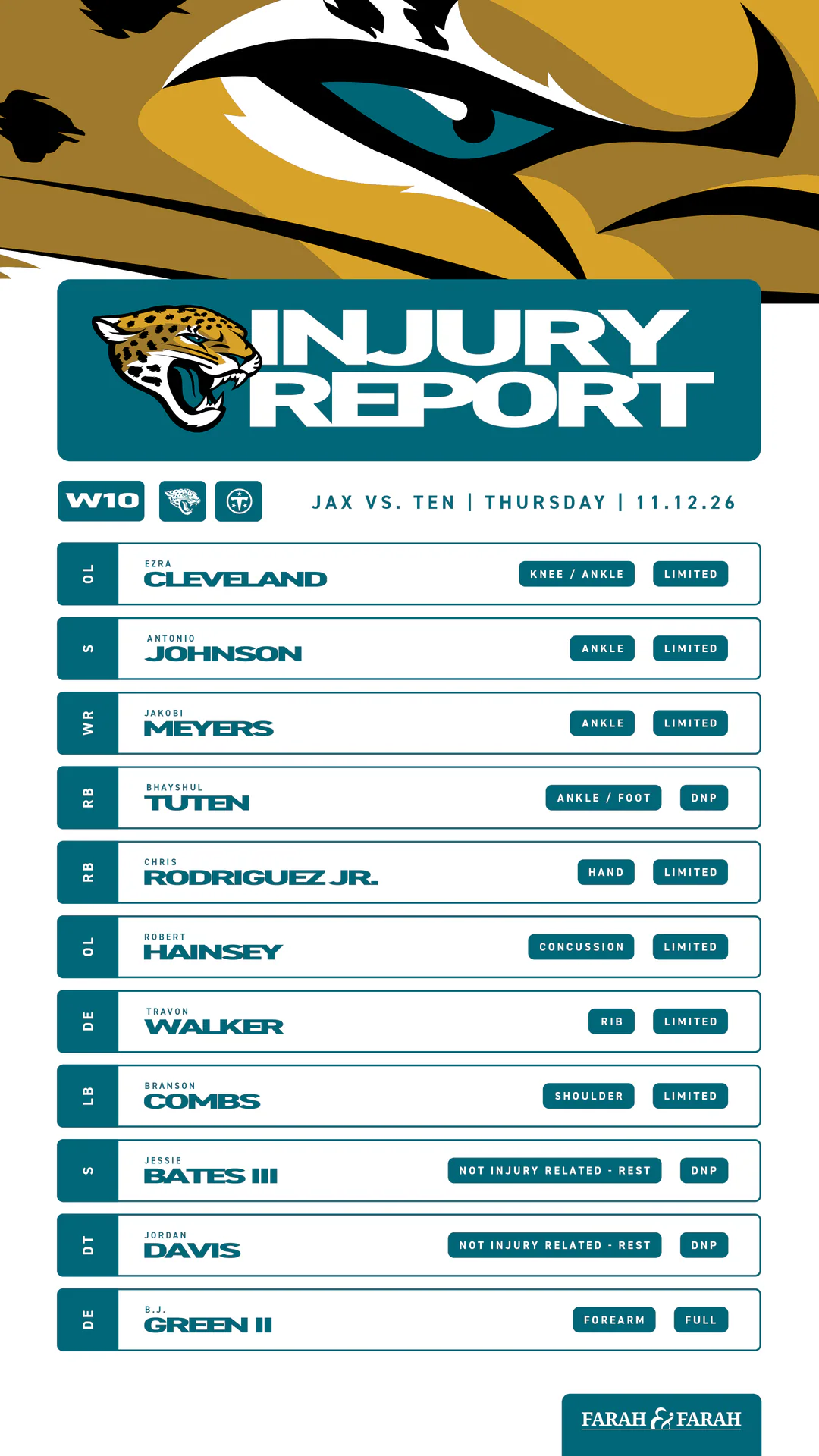
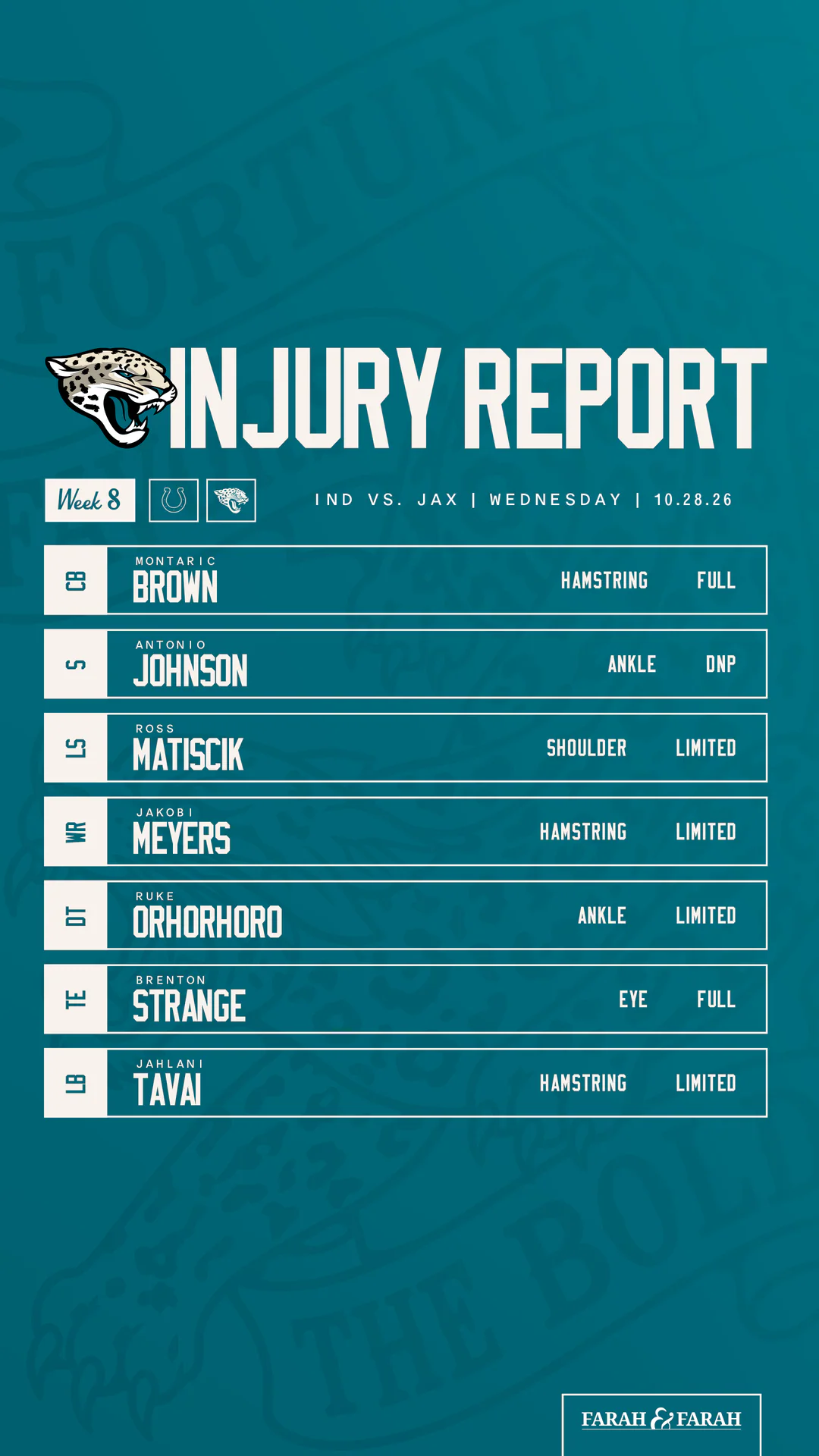
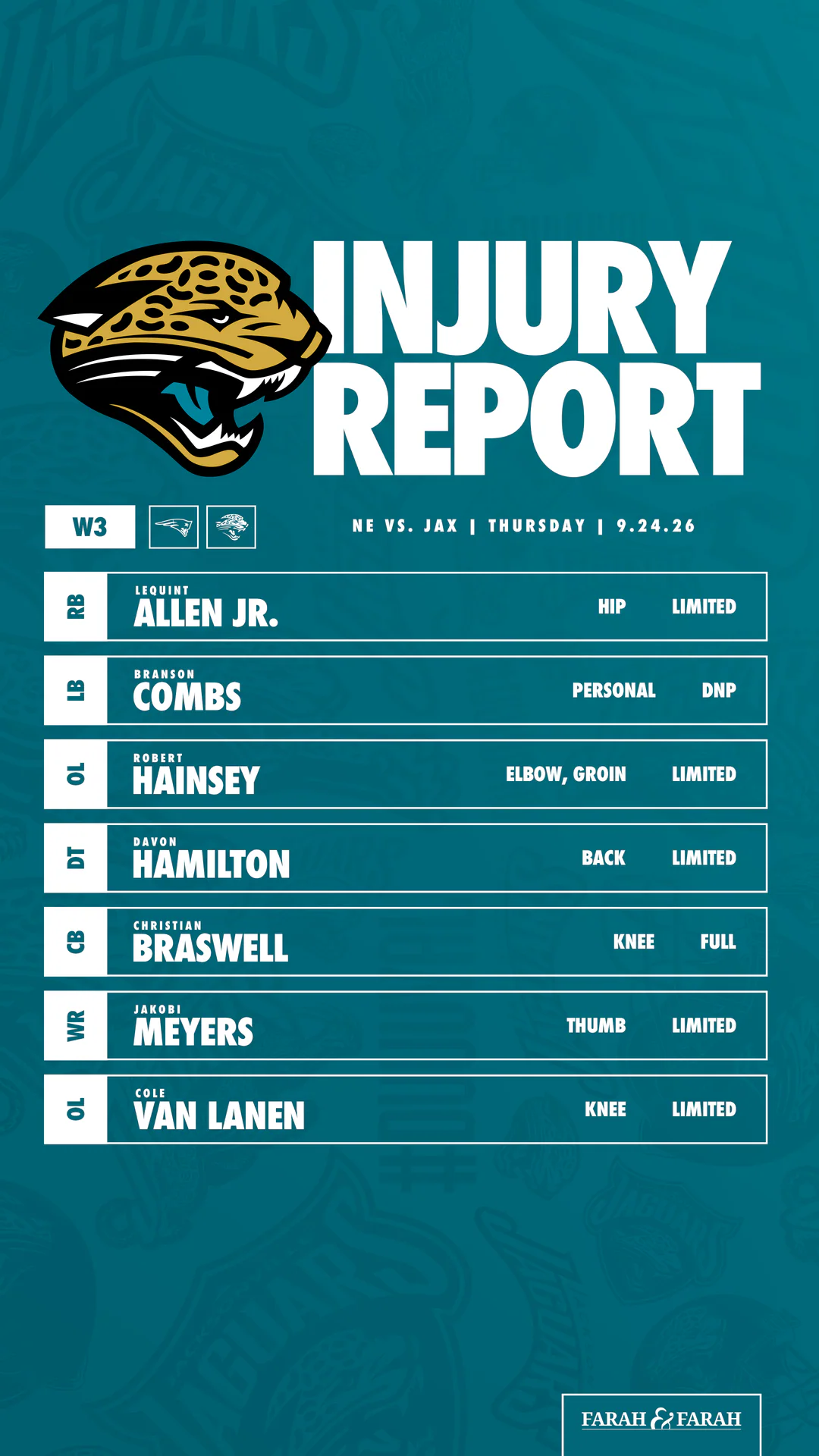
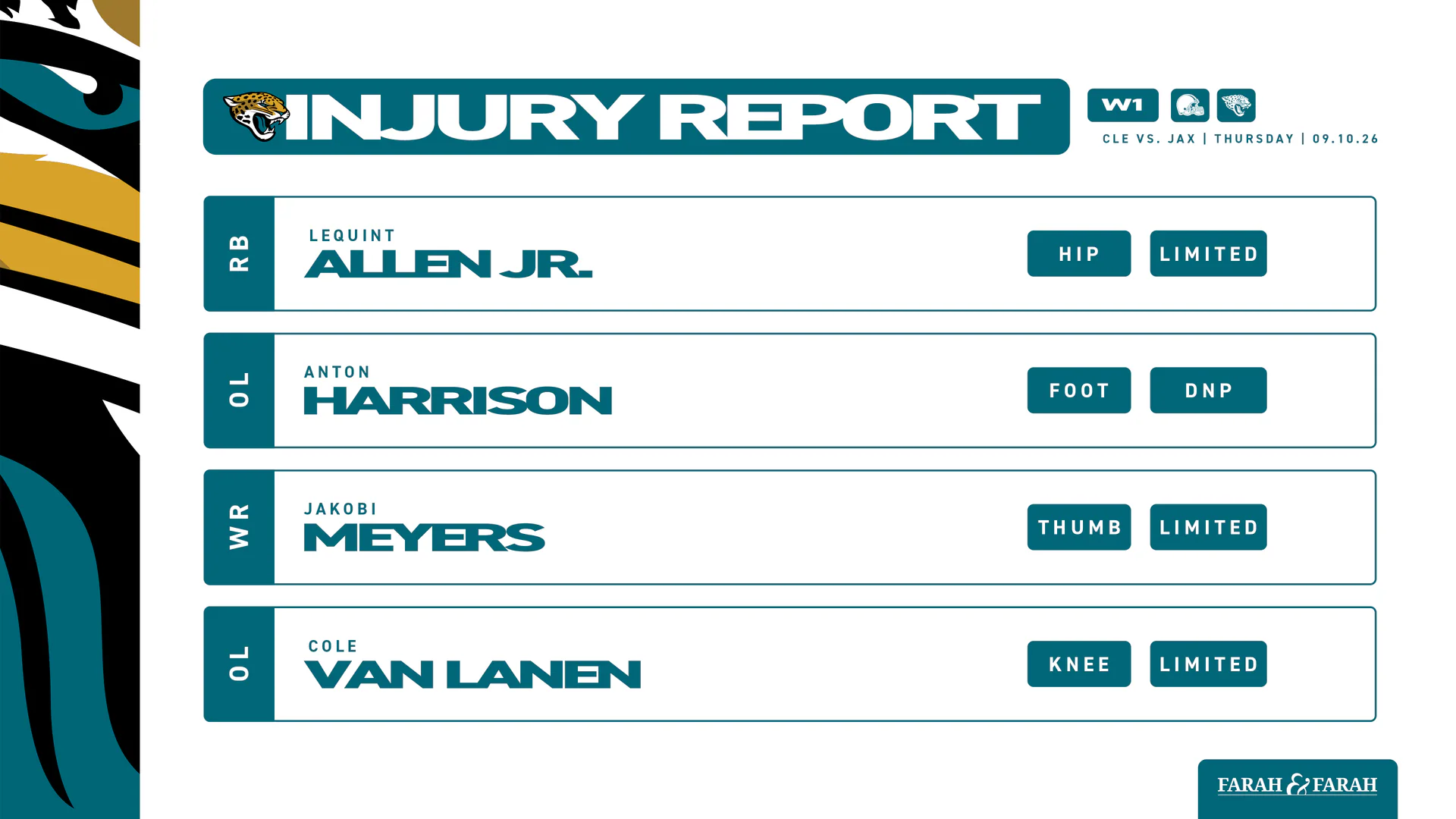
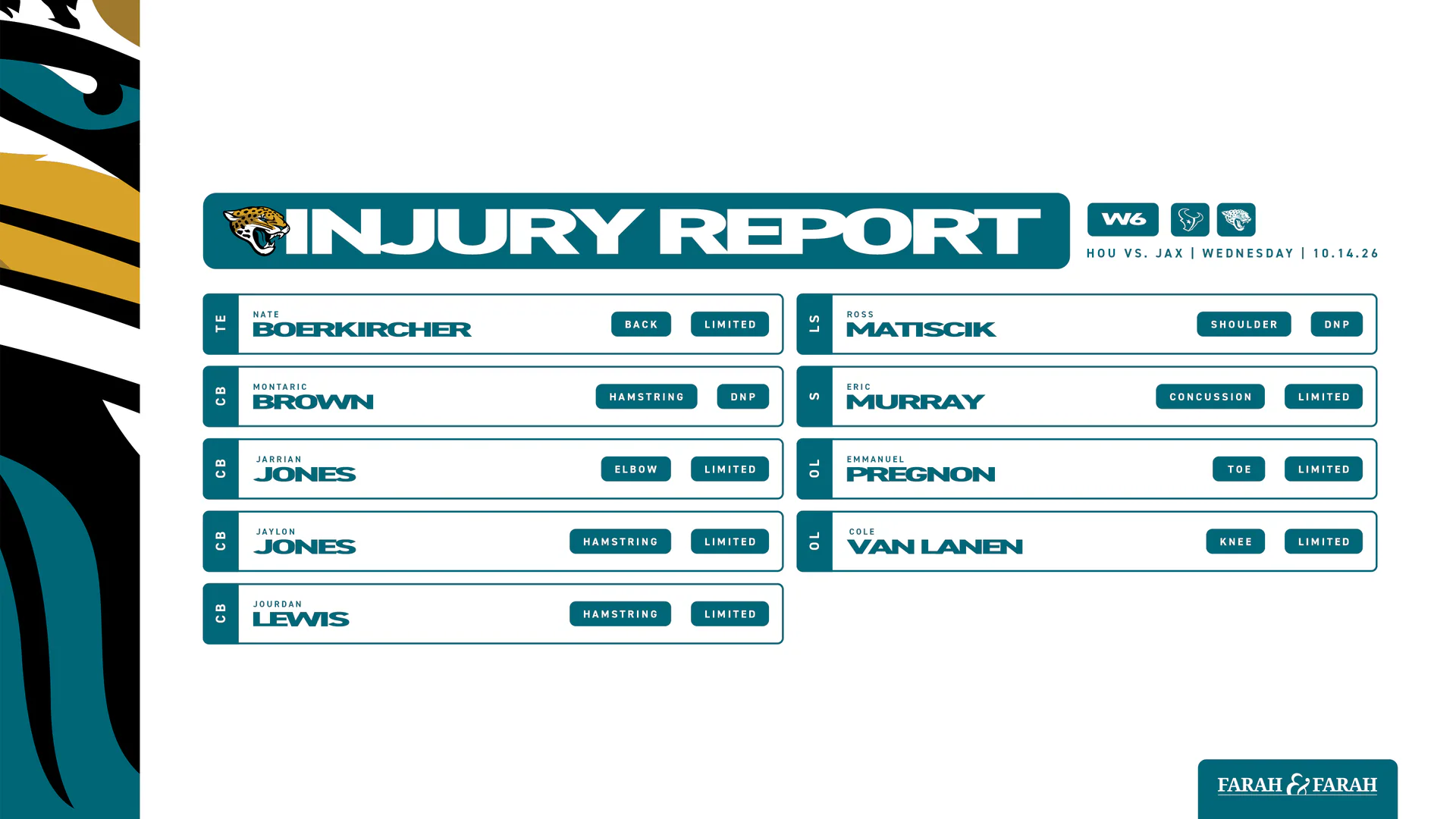
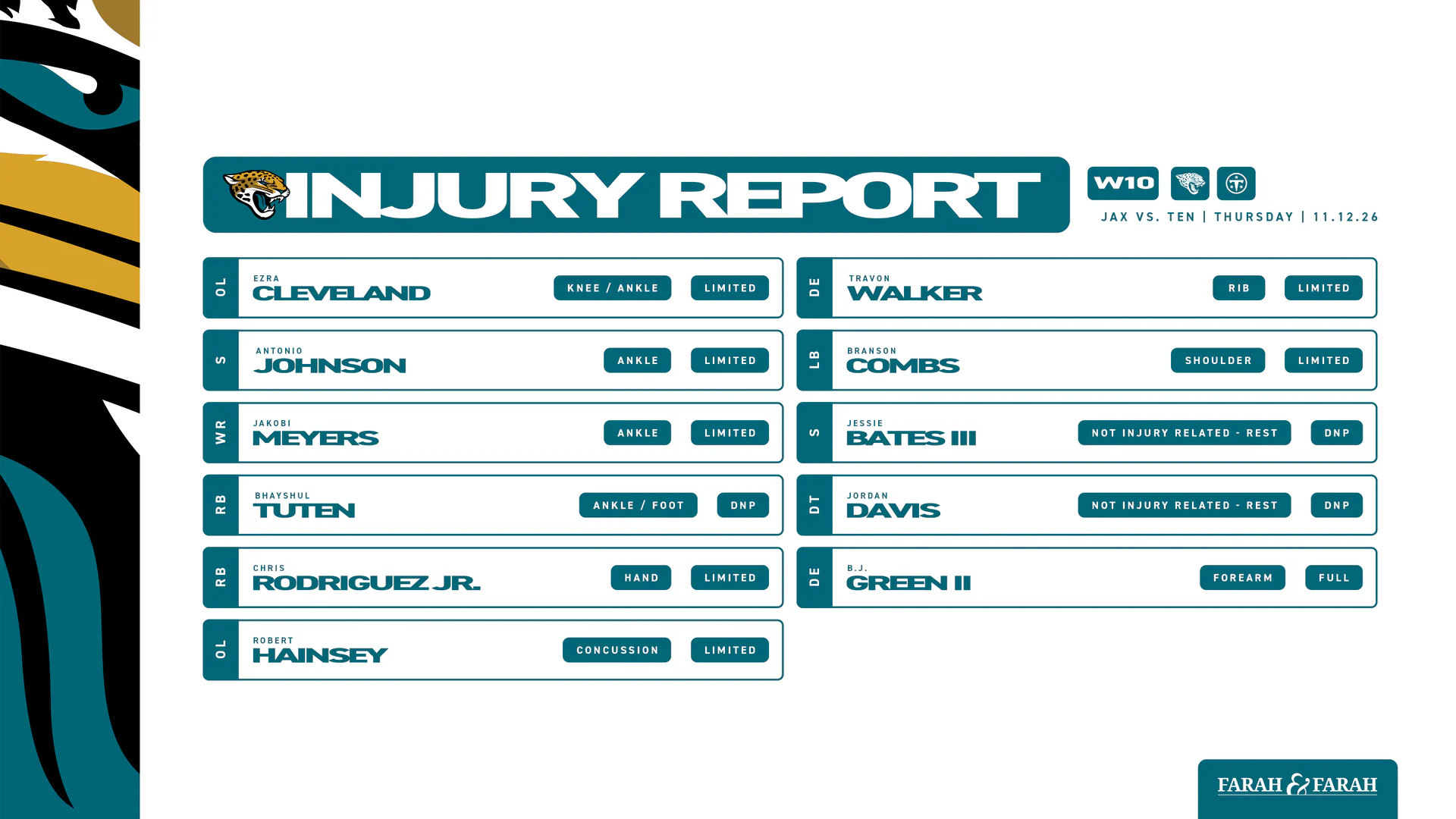
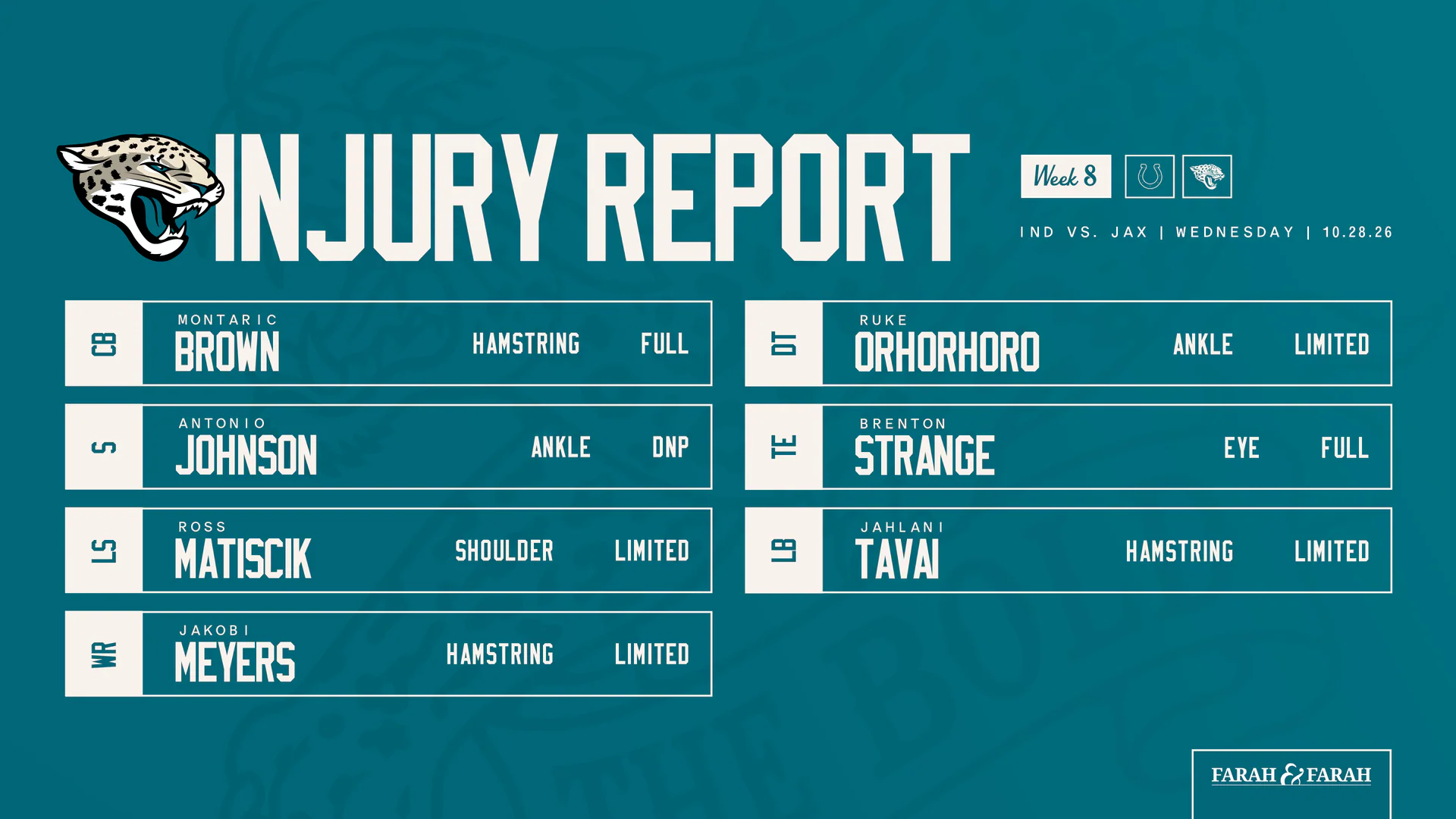
The system that lays out the 2026 Injury Report from the team's report, in 9:16 and 16:9.






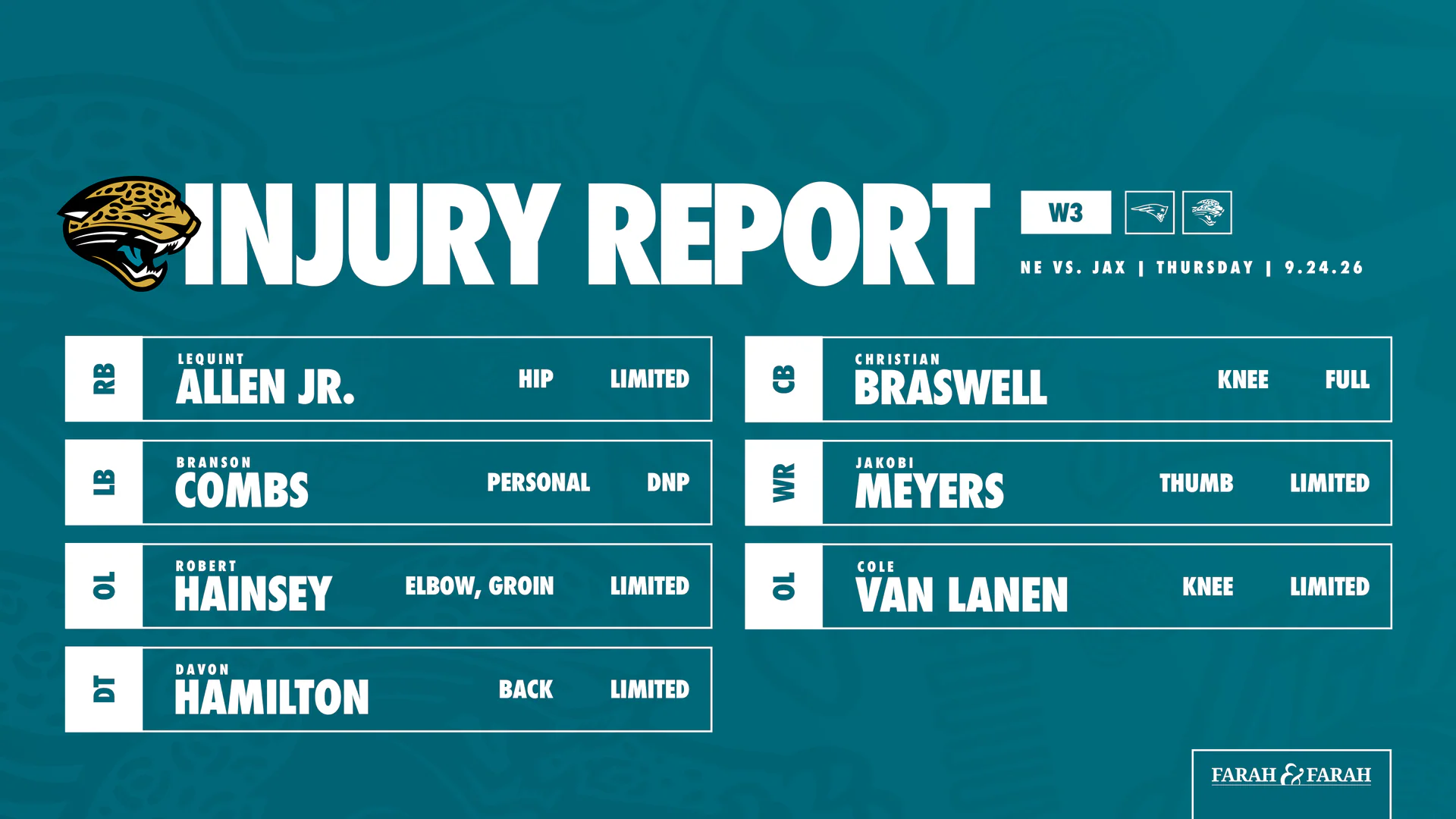
// ExtendScript. Fails closed rather than guessing.
function refuse(m) { throw new Error('POPULATE_REFUSED: ' + m); }

function setRowHeight(slot, targetH) {
  var card = byId(slot.cardId);
  var cb = bx(card);
  var factor = targetH / cb.h;

  // Card + tab change height only.
  card.resize(100, factor * 100, AnchorPosition.TOPLEFT);
  if (slot.positionTabId) {
    byId(slot.positionTabId)
      .resize(100, factor * 100, AnchorPosition.TOPLEFT);
  }
14 more linesFewer lines
  // Contents scale uniformly with the row, so type and
  // chips keep the designer's proportions.
  var nb = bx(card);
  var centre = nb.t + nb.h / 2;
  var inner = [slot.nameGroupId, slot.updateGroupId];
  for (var i = 0; i < inner.length; i++) {
    var l = byId(inner[i]);
    l.resize(factor * 100, factor * 100,
      AnchorPosition.MIDDLECENTER);
    var lb = bx(l);
    l.translate(0, centre - (lb.t + lb.h / 2));
  }
  return bx(card);
}
Excerpt from the working source. Shortened; paths and private values removed.
Technical details
Designed the 2026 Injury Report creative and built the graphics production system behind it. Structured player data generates 9:16 and 16:9 graphics that adapt to player count, name length, injury information, participation status and game status.
How a run works
- Input. The report is pasted as text. Practice report, game status or gameday inactives.
- Parse + validate. Structured entries, matched to a local roster. Unresolved rows stop the run.
- Plan. Row height, columns, chip widths and name fitting solved per format.
- Photoshop. A sealed master is populated through layer-ID bindings. 9:16 and 16:9 together.
- QA. An independent reader re-opens the PSD and checks it against the plan.
- Output. Layered PSD and PNG for each format, staged for delivery.
Automated
- Parsing the pasted report into structured data
- Row, column and type sizing for each format
- Name and chip fitting
- A layered PSD and a PNG for both formats in one run
- Quality checks before anything is delivered
Designer-controlled
- The creative and its sealed master files
- Visual variants: Standard, Throwback, Rivalries
- Every output remains a layered, editable PSD
Built with
Photoshop, JavaScript automation, Structured report data, Layer-ID bindings, Adaptive layout logic, Automated QA
Verified
- One run produces a layered PSD and a PNG in 2160 × 3840 and 3840 × 2160.
- Runs locally. No cloud services and no telemetry, so report data stays inside the team's workflow.
- Layers are bound by ID, never by name, so renaming a layer cannot break a report.
- Master files are hash-sealed and verified before and after every run.
- Over the certified maximum the run stops before Photoshop opens. It never clips and never shrinks past the template's scale.
- Automated checks include canvas size, text overflow, slot count, leftover template text, name and chip collisions, minimum text size and logo clearance.
- Three report modes: practice report, game status and gameday inactives.
Score graphics
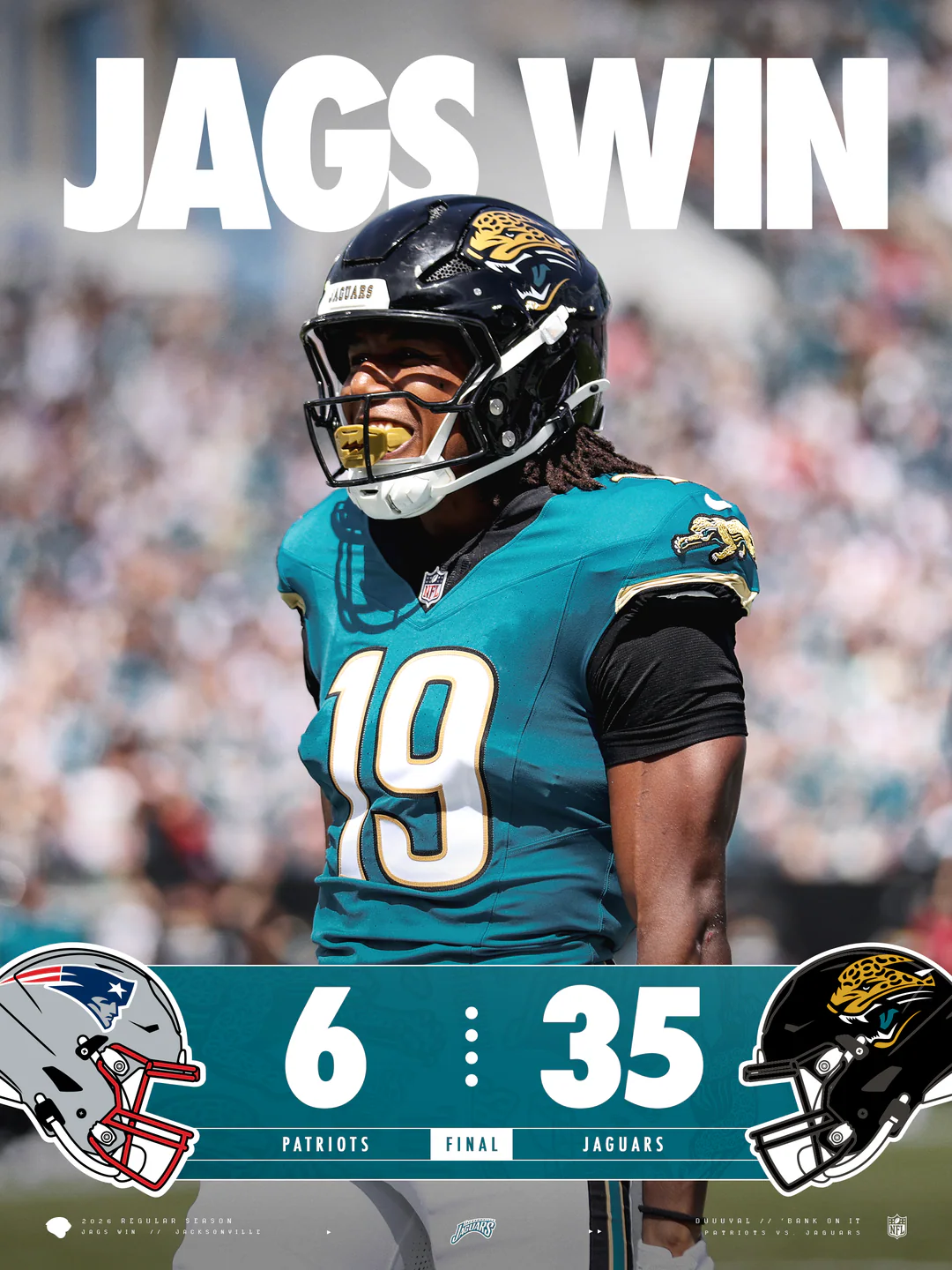
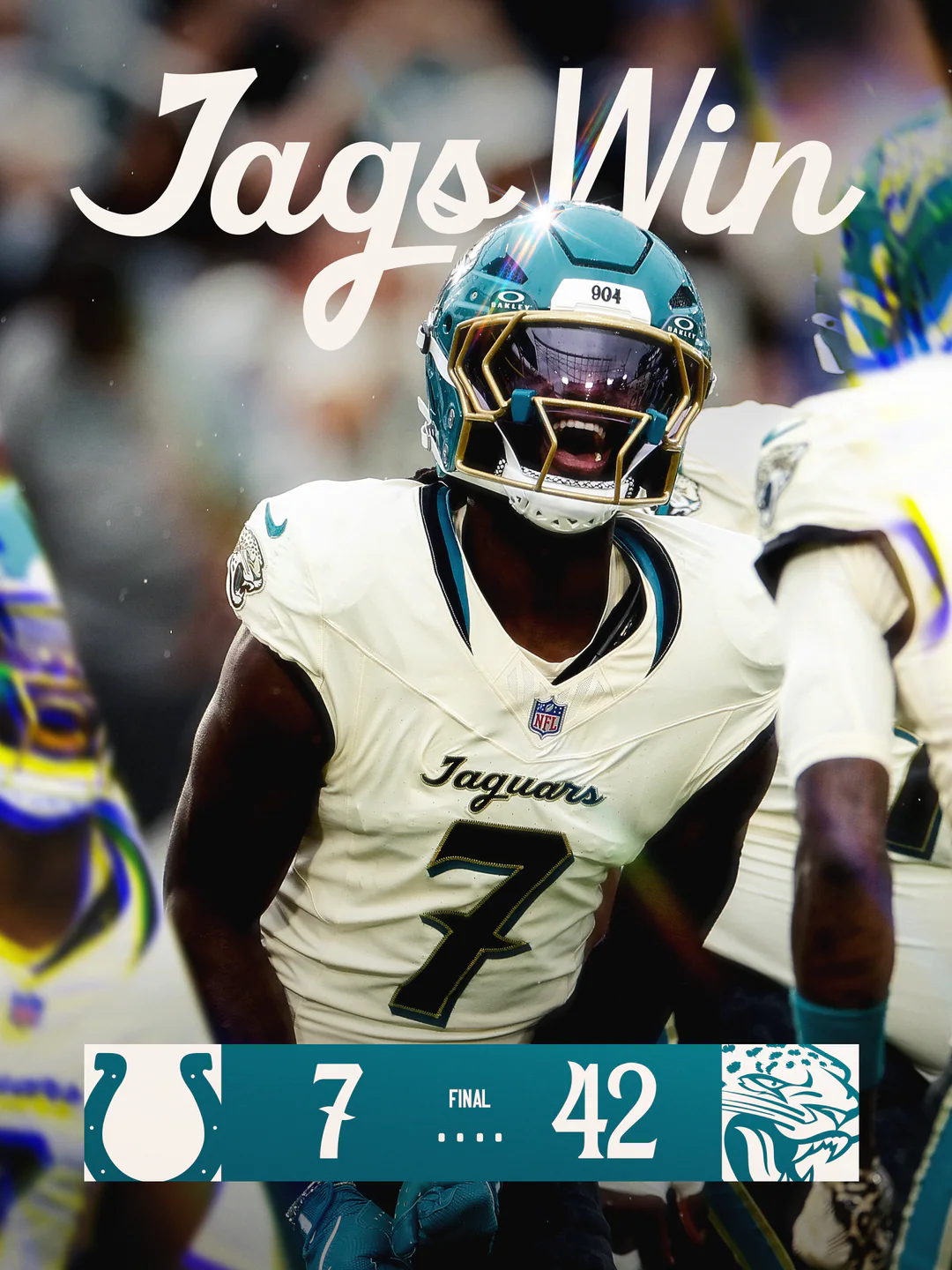
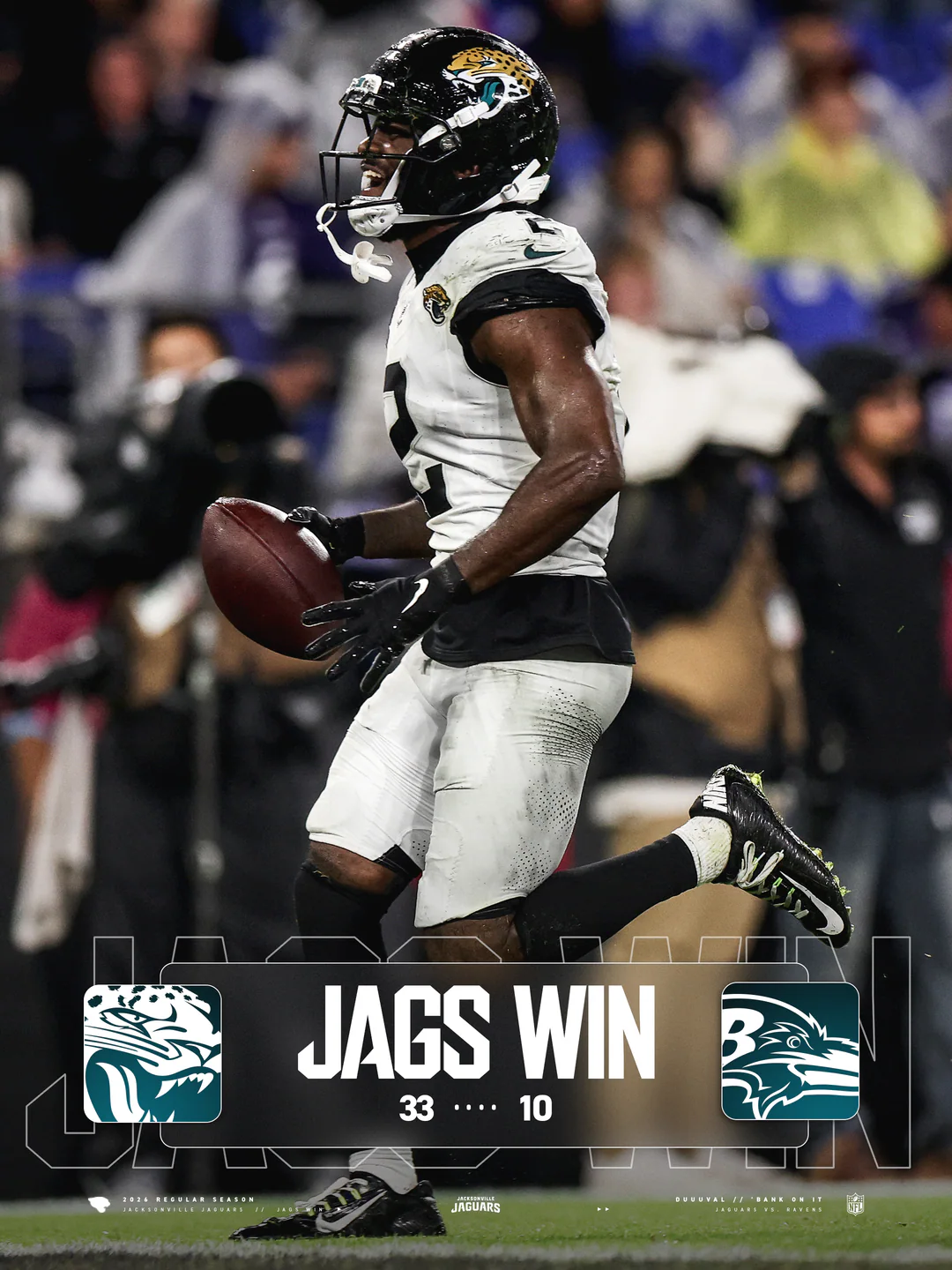
The automation that sets the period, the score and the photo crop for quarter and final score graphics during the game.
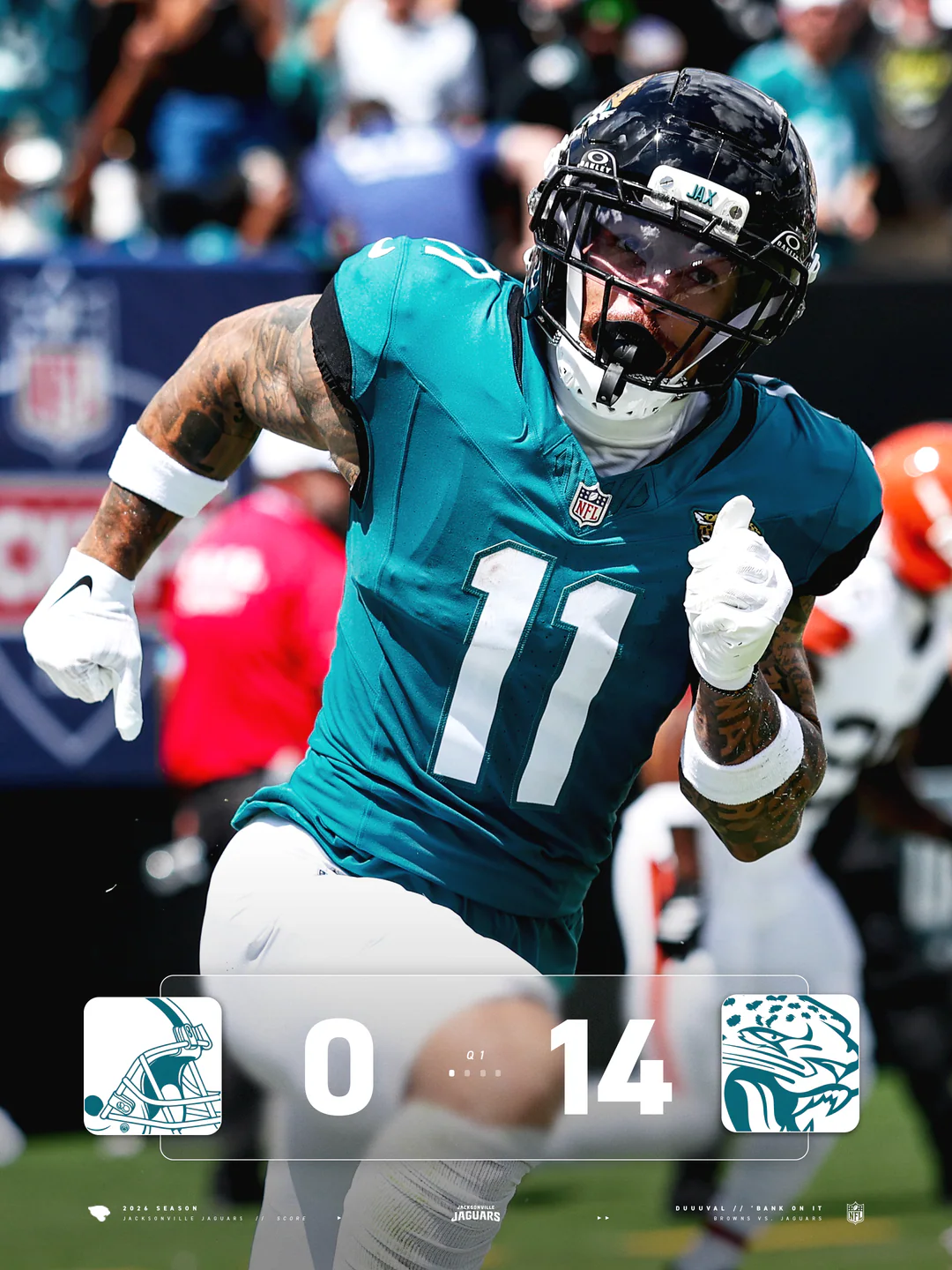
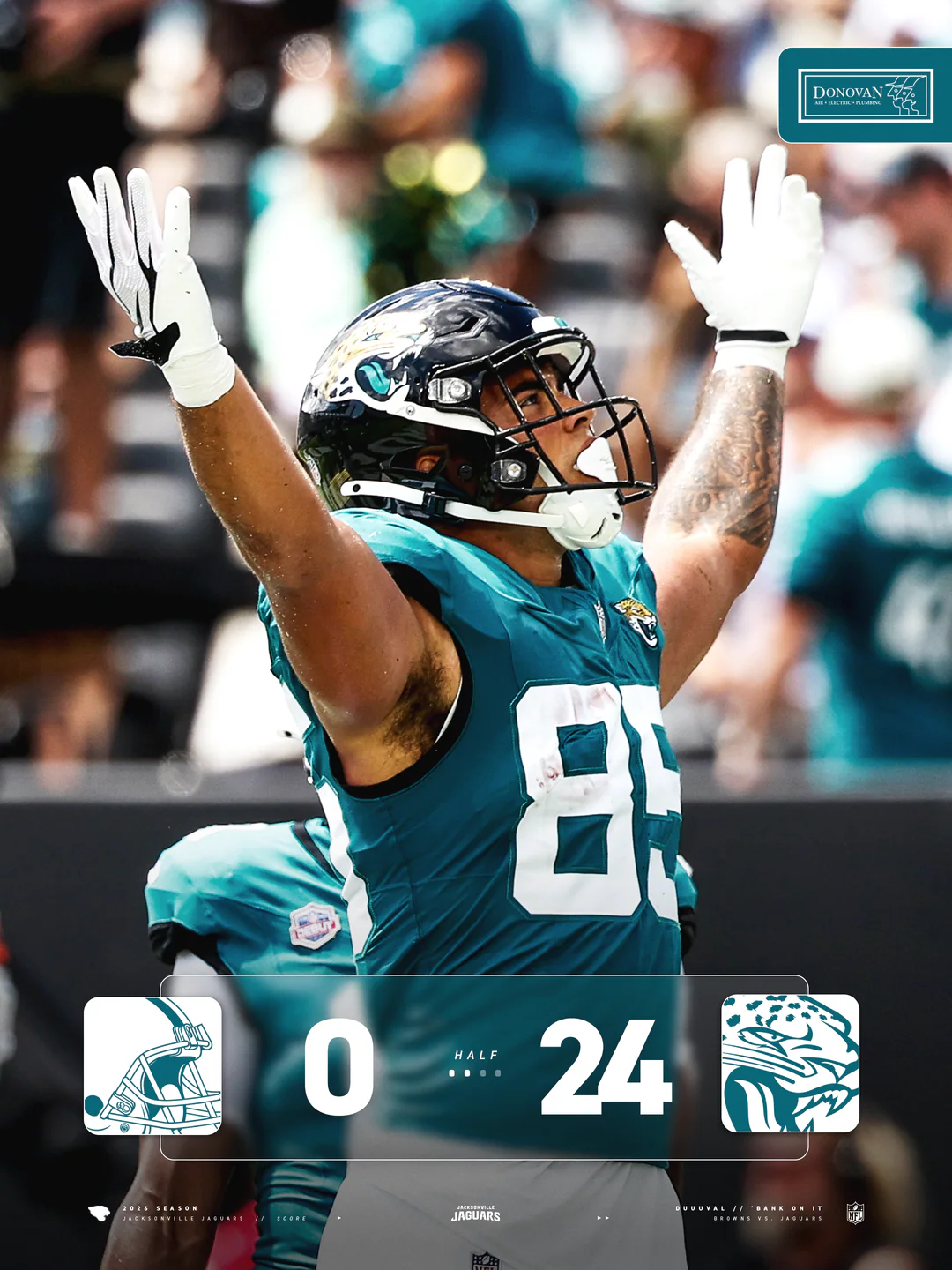
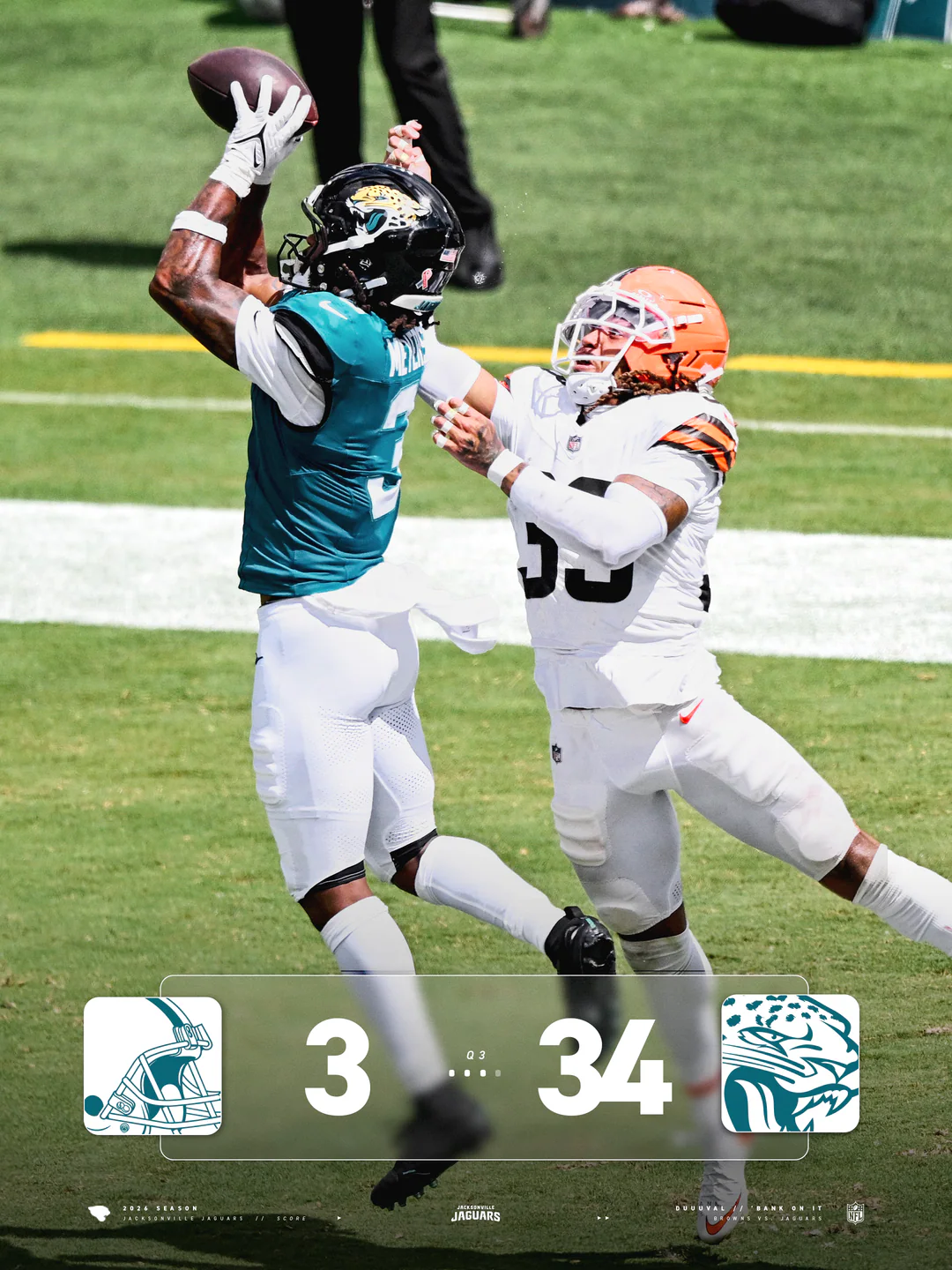
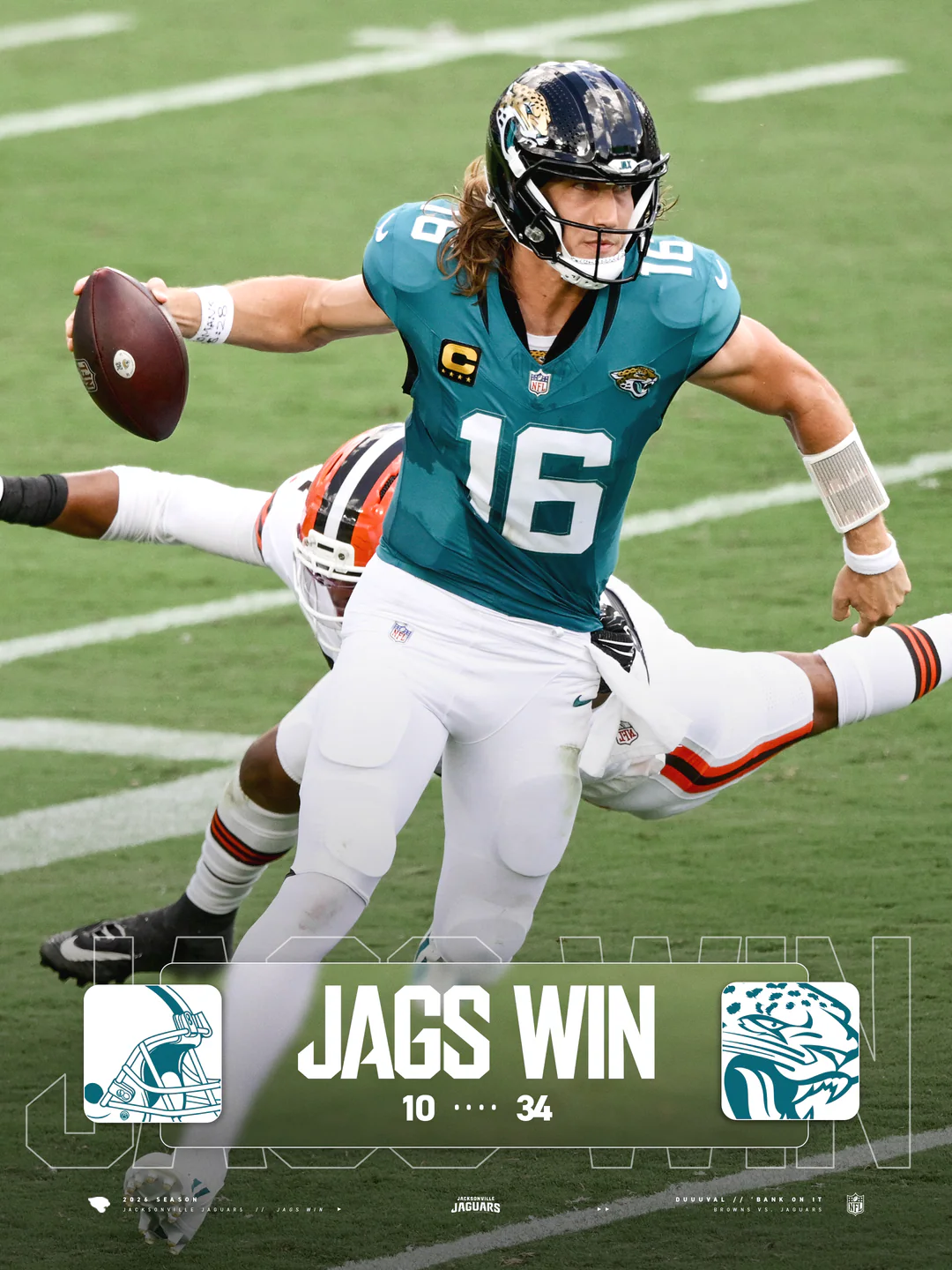
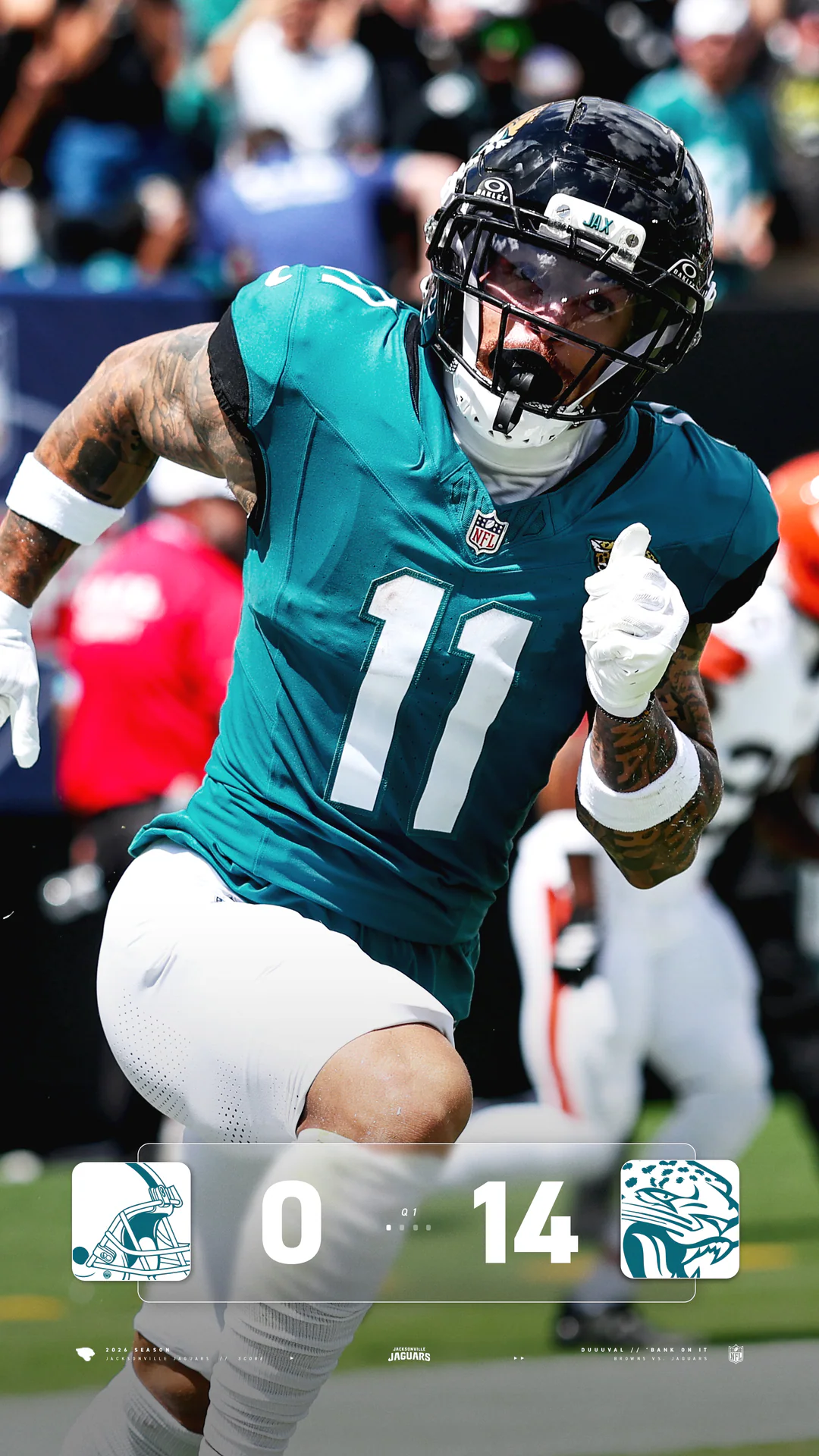
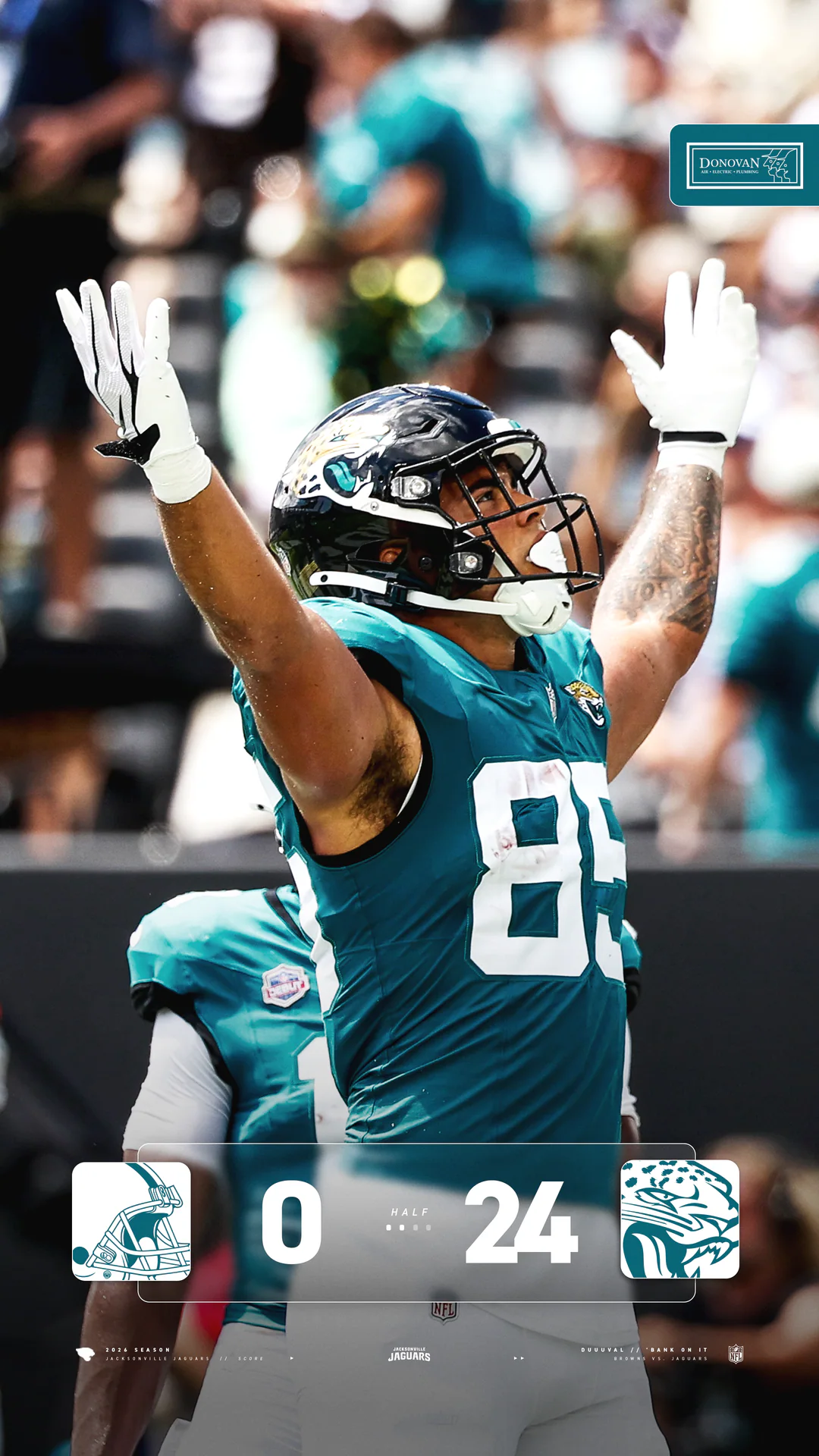
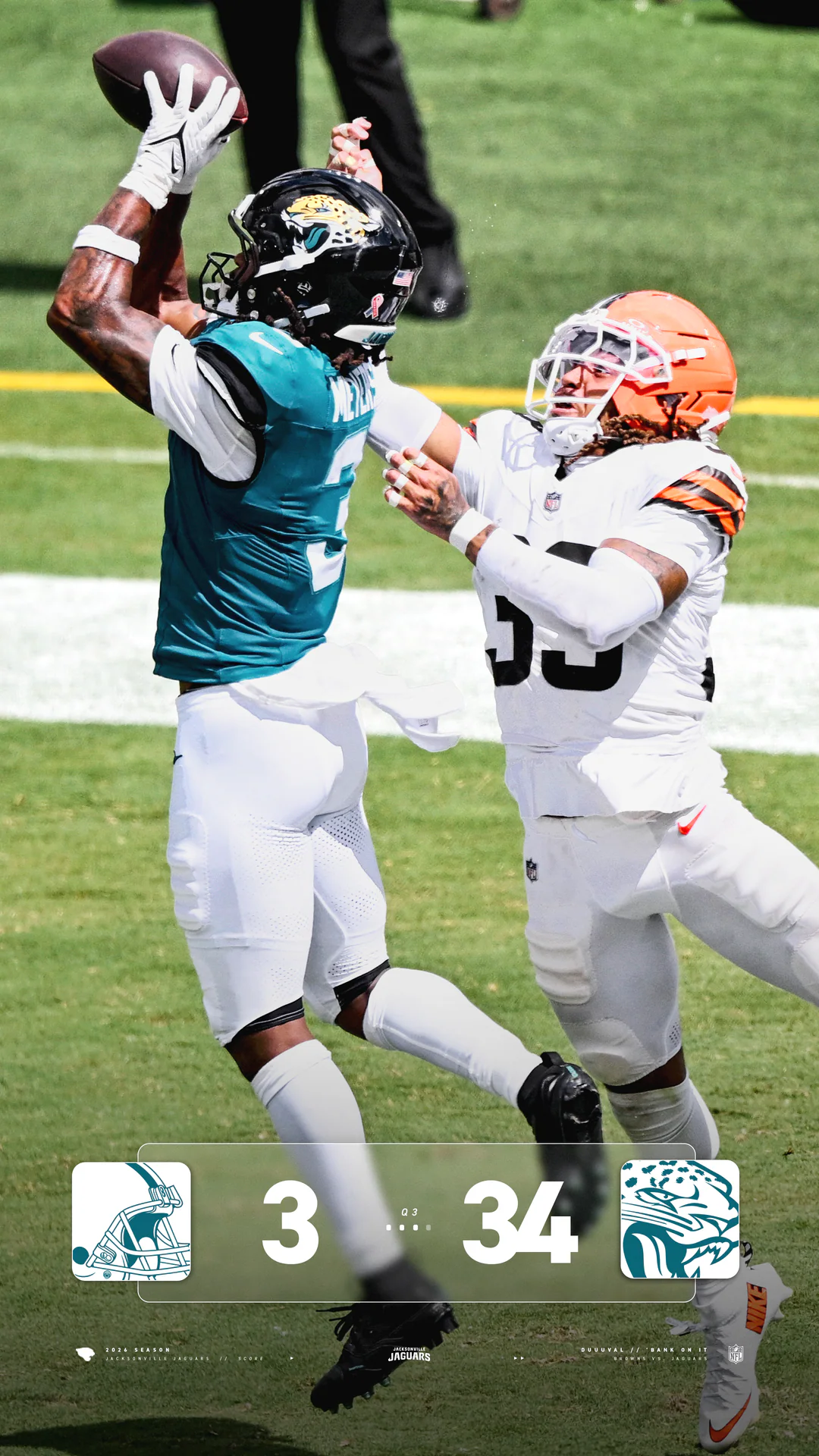
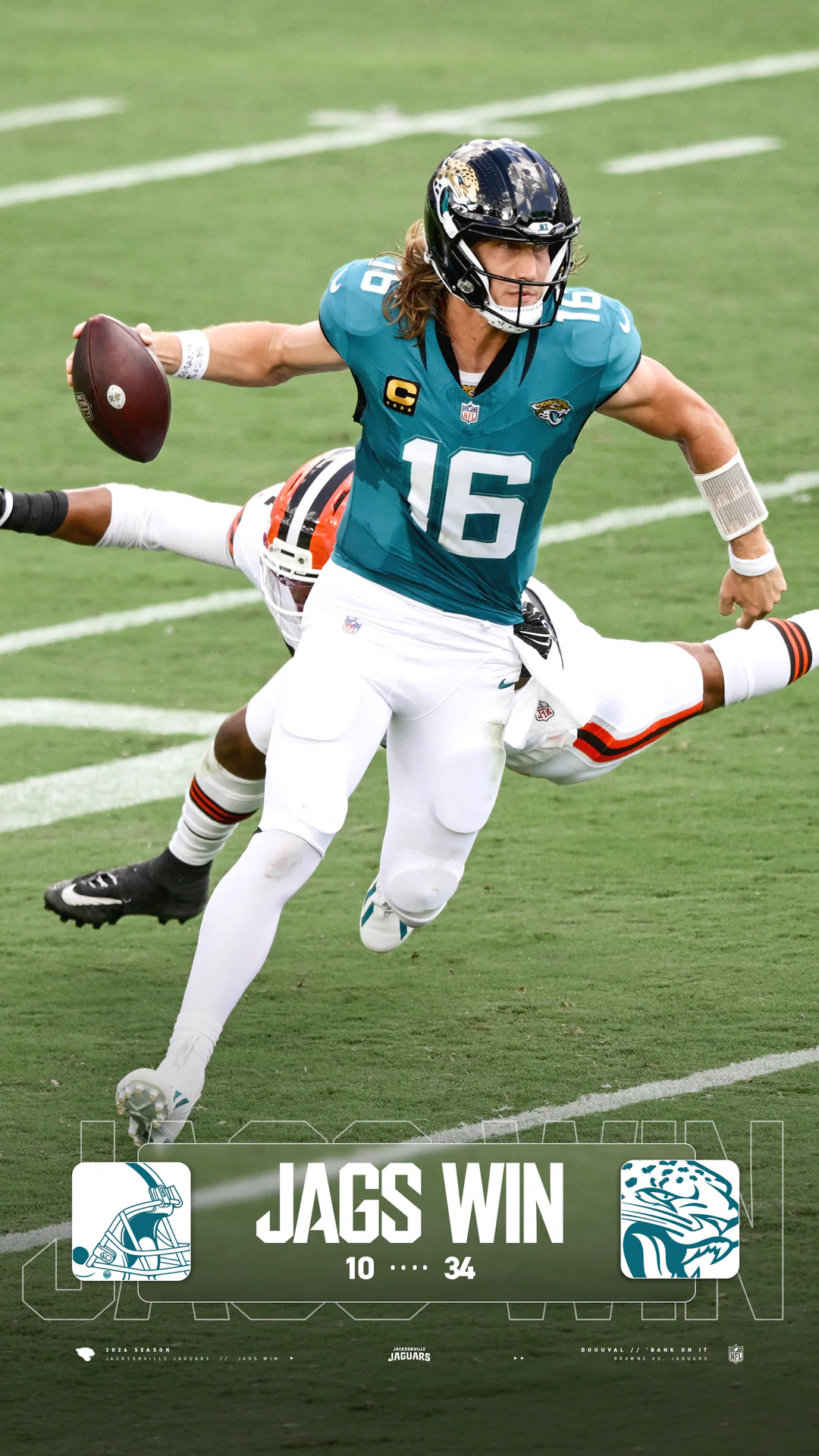
const PERIOD_ORDER = ["Q1", "Q2", "Q3", "FINAL"];

const STATES = {
  Q1: { text: "Q1", dots: ["on", "off", "off", "off"] },
  Q2: { text: "Q2", dots: ["on", "on", "off", "off"] },
  Q3: { text: "Q3", dots: ["on", "on", "on", "off"] },
  FINAL: { text: "FINAL", dots: ["on", "on", "on", "on"] },
};

// Recognised, but no render rule supplied: fail closed.
const KNOWN_UNSUPPORTED = ["Q4", "HALFTIME", "OT", "OVERTIME"];
8 more linesFewer lines
function resolvePeriodState(token) {
  const upper = token.toUpperCase();
  if (STATES[upper]) return { token: upper, ...STATES[upper] };
  if (KNOWN_UNSUPPORTED.indexOf(upper) !== -1) {
    throw new Error(`PERIOD_NOT_YET_SUPPORTED: "${upper}". Refusing to guess.`);
  }
  throw new Error(`PERIOD_UNKNOWN: "${token}"`);
}
Excerpt from the working source. Shortened; paths and private values removed.
Technical details
Automation for quarter and final score graphics in 3:4 and 9:16. A local control surface sets the period, the score and partner visibility, crops the photo for both formats and delivers verified outputs during the game.
How a run works
- Preflight. Template integrity, Photoshop and outputs are checked before kickoff.
- State. Period, both scores and partner visibility are set.
- Photo. The chosen image is cropped for both formats and can be nudged.
- Approve. A preview is reviewed before anything final is written.
- Deliver. Outputs are verified, then copied to delivery with a receipt.
Automated
- Setting the period and both scores on the template
- Showing or hiding the partner tab
- Cropping the chosen photo for 3:4 and 9:16
- Verifying and delivering the finished files
Designer-controlled
- The template and every layer in it
- Photo selection and crop adjustment
- Partner visibility, chosen at every state
- Approval before anything is delivered
Built with
Photoshop, JavaScript automation, Layer-ID targeting, Game-state logic, Runtime QA, Layered PSD output
Verified
- Two formats per state: 3:4 and 9:16.
- Partner visibility is an explicit choice at every state. There is no default.
- Layers are targeted by ID from a template contract, never by name.
- Invalid scores and unsupported periods are refused before rendering.
- Rendered files are checked for pixel dimensions and the template is verified unchanged.
Player birthdays
The system that turns the birthday template into a finished graphic for any player: photo, signature, name and number.
function buildFinalJobSpec(row, testMode) {
  return {
    masterPath: MASTER_PATH,
    layout: row.layout, // BOTTOM, TOP or SIDE
    displayName: row.player.displayName,
    position: row.player.position,
    number: row.player.number,
    mainImage: row.mainImage,
    signatureFile: row.player.signatureFullPath,
    export01: row.paths.export01,
    testMode: !!testMode
  };
}
9 more linesFewer lines
// The exact gate for ADD TO BATCH.
function validateRow(row) {
  var reasons = [];
  if (row.player.identityStatus !== "IDENTITY_VERIFIED")
    reasons.push("Identity is not IDENTITY_VERIFIED.");
  if (!row.mainImage) reasons.push("Main 01 image not selected.");
  if (!row.layout) reasons.push("Layout (Bottom/Top/Side) not chosen.");
  return { ok: reasons.length === 0, reasons: reasons };
}
Excerpt from the working source. Shortened; paths and private values removed.
Technical details
A structured production system around the Jaguars Social birthday template. Player data, imagery and signatures are processed in batches: image replacement, name updates, signature treatment, typography fitting and export.
How a run works
- Player. Picked from the registry: name, number, position, signature.
- Imagery. The operator supplies the photograph for each artboard.
- Layout. Bottom, Top or Side, set by the designer per player.
- Build. Smart Object replacement, text and chip fitting, signature placement.
- Export. Layered PSD and PNG at 2160 × 2880.
Automated
- Replacing the player image and aligning it to the layout
- Name, number and position, with the position chip sized to its text
- Cleaning the signature and fitting it to its bounds
- A layered PSD and a PNG for every player in the batch
Designer-controlled
- The template and its layouts
- Which layout each player gets
- Photo selection and any final polish
Built with
Photoshop, ExtendScript / JavaScript, JSON configuration, Smart Objects, Batch processing, Signature processing, PSD / PNG output
Verified
- One template carries several layouts. Bottom, Top and Side are shown here.
- Outputs are 2160 × 2880, delivered as a layered PSD and a PNG.
- Signatures are matched exactly to the player. There is no fuzzy substitution.
- The designer can lock a layout for a player, and the batch respects it.
Jags Win email
The modular workflow behind the postgame email. The photography, the result and the next matchup change every game.
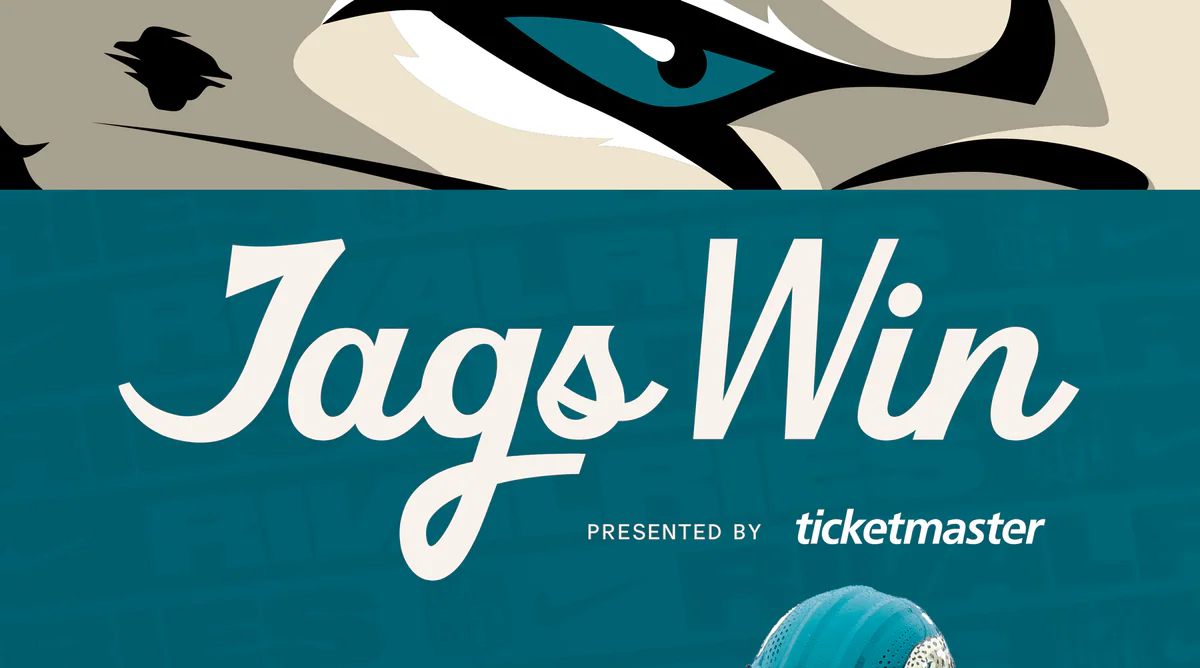
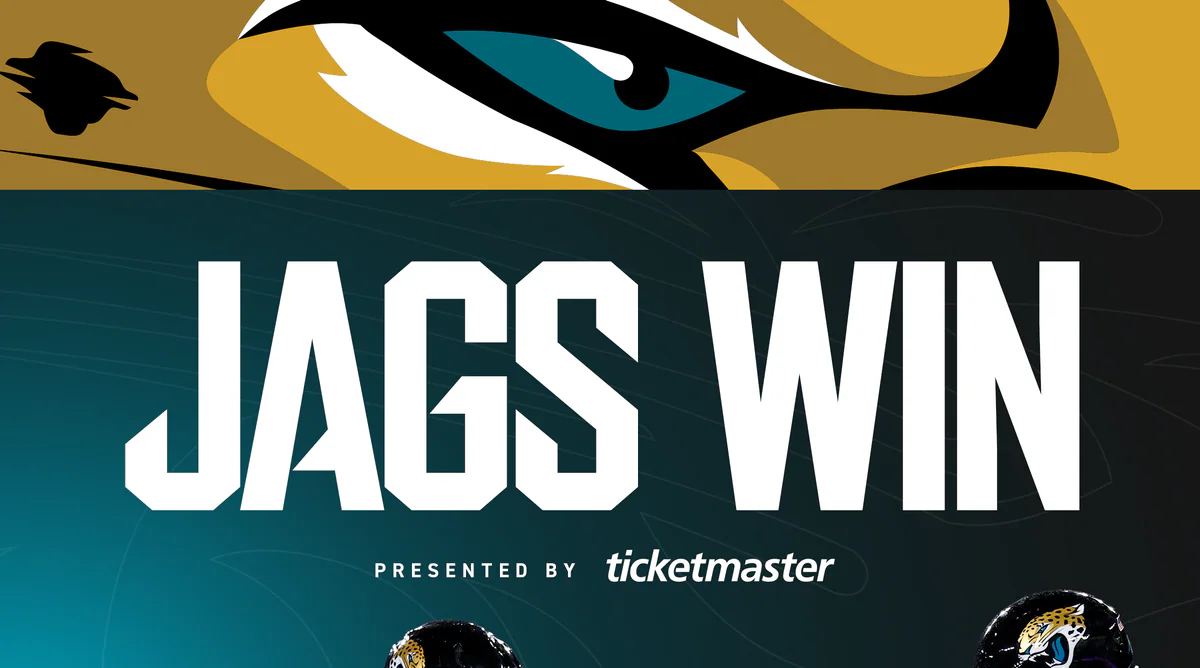
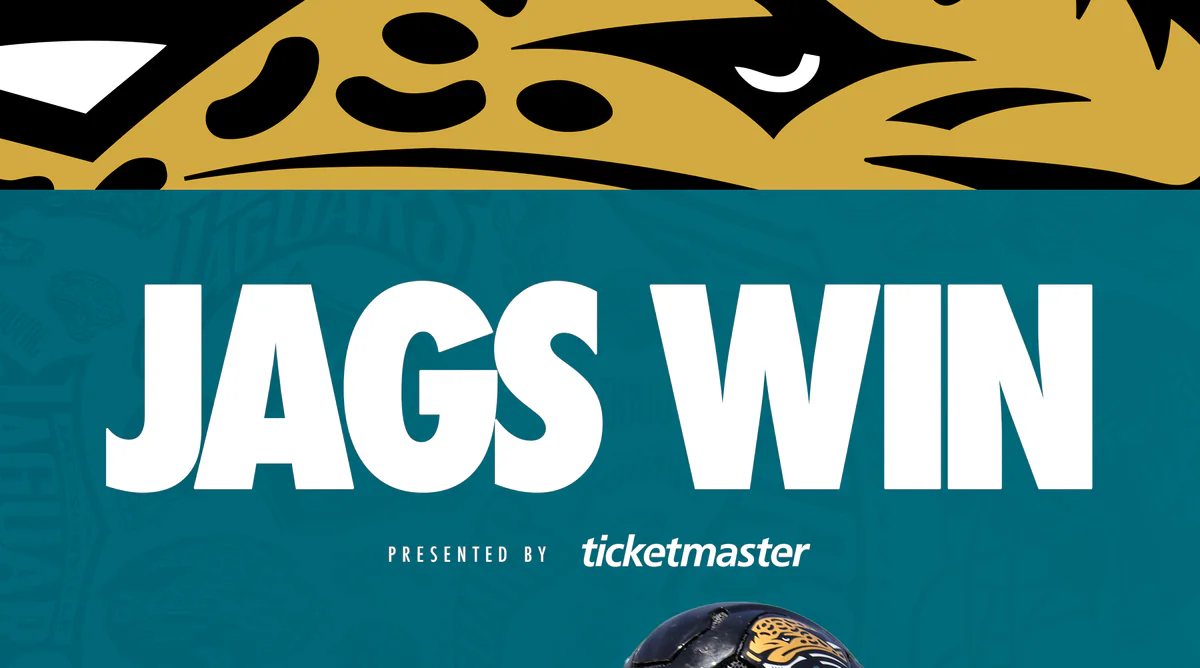
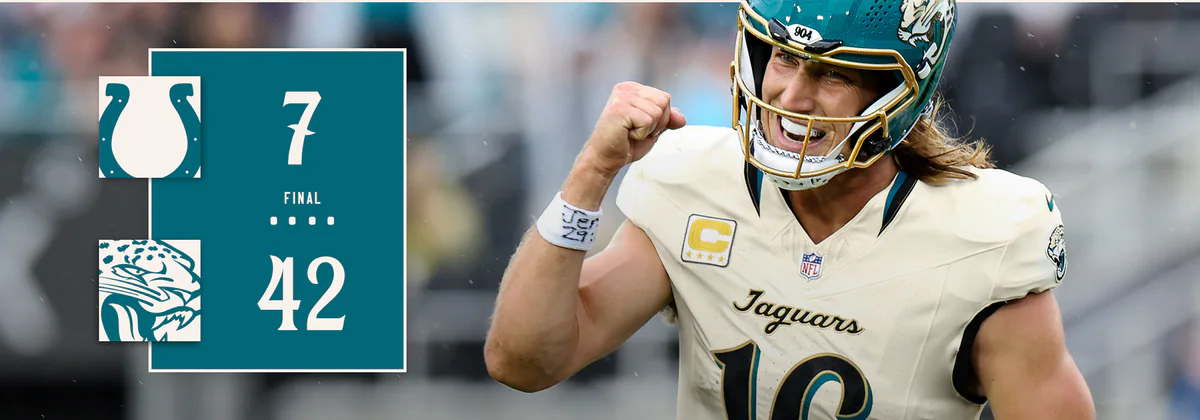
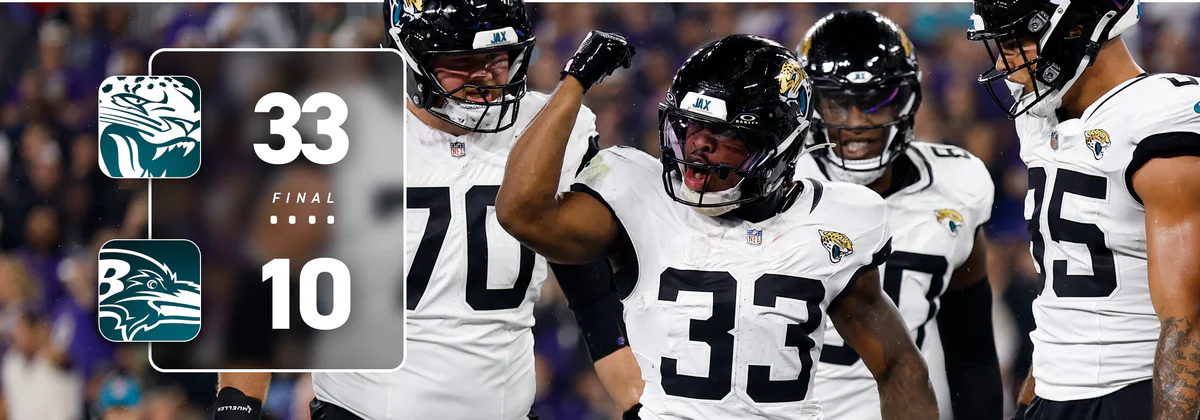
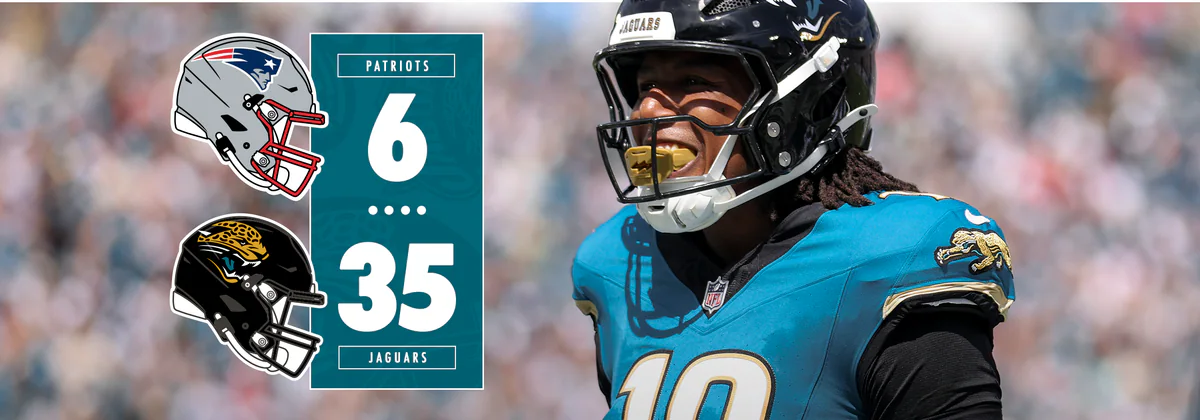




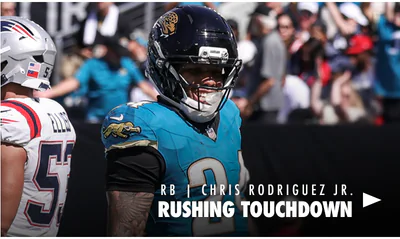


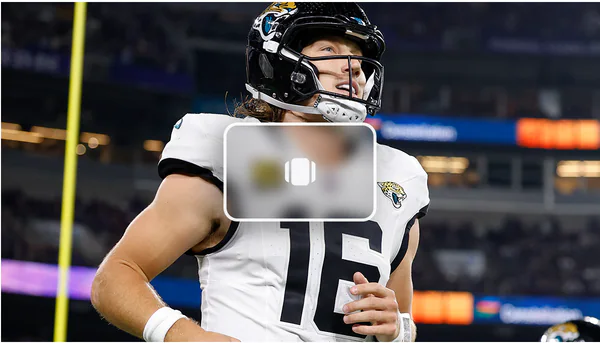

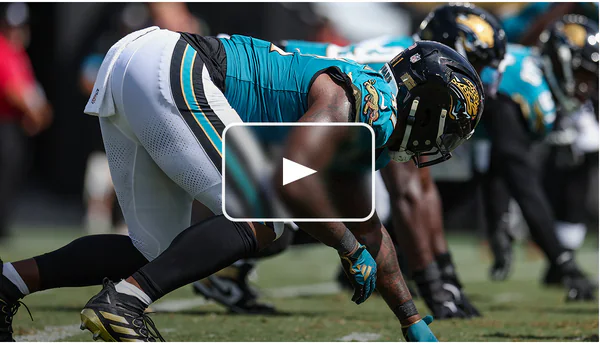
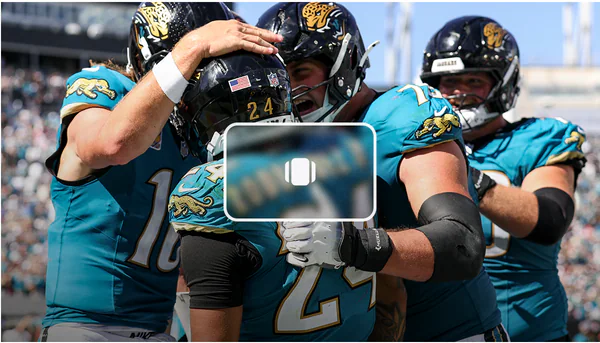



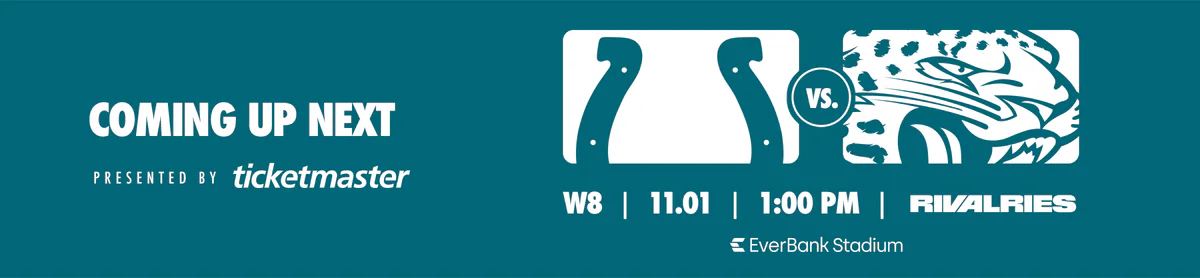

// Each photo: an embedded Smart Object, cover-fitted, clipped to its frame.
for (var i = 0; i < P.slots.length; i++) {
  var spec = P.slots[i];
  var frame = boundsOf(mustFind(doc, spec.frame_layer));

  // A rerun replaces rather than stacks.
  var old = findAllByName(doc, spec.photo_layer, []);
  for (var k = 0; k < old.length; k++) old[k].remove();

  selectLayerByName(spec.frame_layer, false);
  var photo = placeEmbedded(spec.path);
  photo.name = spec.photo_layer;
  coverFit(photo, frame);
  photo.grouped = true; // clip to the frame beneath
}
6 more linesFewer lines
function coverFit(layer, frame) {
  var fw = frame[2] - frame[0], fh = frame[3] - frame[1];
  var b = boundsOf(layer);
  var scale = Math.max(fw / (b[2] - b[0]), fh / (b[3] - b[1])) * 100;
  layer.resize(scale, scale, AnchorPosition.MIDDLECENTER);
}
Excerpt from the working source. Shortened; paths and private values removed.
Technical details
A modular workflow for recurring postgame emails. Photography, game outcome, content, visual theme and the next promoted matchup change with every game. The editable Photoshop master and the sliced-email export stay intact.
How a run works
- Result. A Jaguars win starts the build.
- Slots. Six named photo slots are filled and cover-fitted.
- Content. Score, moment captions and the next home game are set.
- Theme. Themed games re-skin the same structure.
- Checks. Structure, typography and safe zones are verified.
- Export. The saved slice table produces the email images.
Automated
- Placing photography into named slots, cover-fitted
- Score, headline and caption updates
- Starting the build from the final result
- Re-skinning for themed games
- Export through the master's own slice table
Designer-controlled
- The master design and its slices
- Photo selection and moment captions
- The next home game to promote
- Theme art direction
Built with
Photoshop, JavaScript automation, Smart Objects, Semantic image slots, Outcome-based content logic, Slice-preserving export
Verified
- Six semantic photo slots: Hero, three Moments, Highlights and Gallery.
- The outcome state is derived from venue and result. It is never typed by hand.
- The next home game is a designer input, checked to fall after the game date.
- The current master exports nine slices, 4,983 pixels tall at 2,400 wide.